
Close Menu
    Categories
    • Home
    • News
    • Grand Theft Auto
      • GTA Online
      • Guides
      • Roleplay
      • GTA Trilogy
      • Screenshots
    • GTA 6
    • Event Week
    • GTA+
    • FiveM
    • Red Dead
    • Rockstar Games
      • Community
      • Logos
      • CircoLoco
      • Bully
      • Max Payne
      • L.A. Noire
      • Midnight Club
      • Take-Two
    • Team
    Facebook X (Twitter) Instagram
    X (Twitter) Facebook Instagram Threads RSS Bluesky
    RockstarINTELRockstarINTEL
    NEWSLETTER
    • Home
    • News
    • Grand Theft Auto
      • GTA Online
      • Guides
      • Roleplay
      • GTA Trilogy
      • Screenshots
    • GTA 6
    • Event Week
    • GTA+
    • FiveM
    • Red Dead
    • Rockstar Games
      • Community
      • Logos
      • CircoLoco
      • Bully
      • Max Payne
      • L.A. Noire
      • Midnight Club
      • Take-Two
    • Team
    RockstarINTELRockstarINTEL
    Home»Grand Theft Auto»GTA Online»How To Get Free GTA Online Money With Discord
    GTA Online

    How To Get Free GTA Online Money With Discord

    Aaron TruemanBy Aaron TruemanDecember 3, 2025
    Grand Theft Auto Online and Discord logos side-by-side. The Grand Theft Auto Online logo is on the left, in black and white text with red "ONLINE" lettering, against a black background. The Discord logo is on the right
    Share
    Facebook Twitter LinkedIn Pinterest Email

    Rockstar Games have announced they’ll be giving away free GTA Online money to everyone who does one simple thing.

    We previously reported how Rockstar Games and Discord were gearing up to launch rewards together. Now Rockstar have officially come out and confirmed what can be earned and now to do it.

    Discord Rewards will be a new way to earn items within Rockstar Games titles. By connecting your Rockstar Games and Discord accounts together, you will be able to earn “special rewards according to the company.

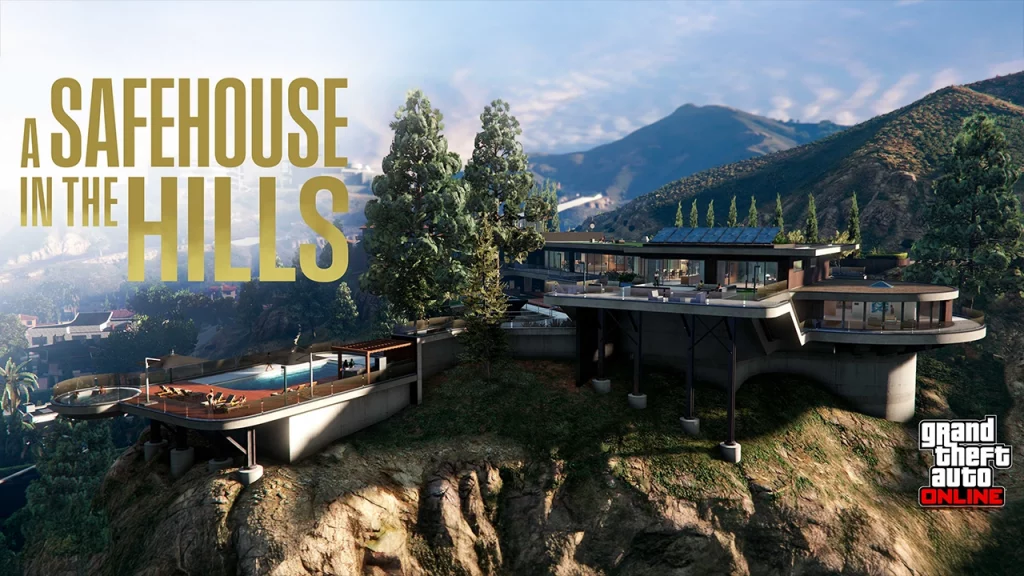
    The first reward is a $500,000 cash injection for your GTA Online bank account. You can earn this by simply linking your Rockstar and Discord accounts which we’ll show you how to do further down. This is a nice bonus ahead of mansions being added to GTA Online next Tuesday.
    Once you’ve linked your accounts, GTA$500,000 will be deposited into your Maze Bank account within 72 hours.

    How To Link Your Rockstar Games Account To Your Discord Account

    1. Visit the Rockstar Games site and sign in to your Rockstar Games account
    2. Select the Rockstar Games account icon in the top-right
    3. Select Account
    4. Select Settings
    5. Select Linked Accounts
    6. Select Link Account under Discord
    7. Ensure this is the Rockstar Games account you want to link, then select Link Account again
      • This will open the Discord site or app and prompt you to sign in to your Discord account if you have not already.
    8. Log In
      • Ensure that this is the Discord account you want to link to your Rockstar Games account
    9. Select Authorize
      • You will be prompted to configure your Discord visibility settings for the Rockstar Games account you just linked. These settings allow you to configure your Discord visibility for Rockstar Games websites, games, and apps
    10. Verify your visibility preferences, then select Continue

    Via Rockstar Games Support.

    Over the past year or so, Rockstar have launched their own Discord server, offered rewards for watching the GTA 6 trailer, implemented integration of the platform to their games and more. Now the company are taking it up a step. It will be interesting to see how Rockstar and Discord move forward with these rewards. Plus, this could just be a taste of what to expect from connections around GTA 6’s launch.

    What do you think about Rockstar’s Discord connections? Let us know down in the comments. For more GTA Online and GTA 6 news updates or anything else relating to Rockstar Games, stay tuned to RockstarINTEL.

    • RockstarINTEL Bluesky
    • Grand Theft Auto News X
    • Red Dead News X
    • RockstarINTEL X
    • RockstarINTEL Instagram
    • RockstarINTEL Threads
    • RockstarINTEL Facebook
    • RockstarINTEL RSS Feed
    • RockstarINTEL TIKTOK
    • RockstarINTEL LinkedIn

    Subscribe to our newsletter!

    Share. Facebook Twitter Pinterest LinkedIn Tumblr WhatsApp Email
    Previous ArticleRockstar And Discord Set To Give Out Rewards Ahead Of New GTA Online Update
    Aaron Trueman

    As a fan of Rockstar Games and part of the GTA community, Aaron used his passion to co-found and run GTA Online News / RockstarINTEL.

    Related Posts

    Rockstar And Discord Set To Give Out Rewards Ahead Of New GTA Online Update

    December 3, 2025

    GTA San Andreas To Leave Netflix After 2 Years

    December 3, 2025

    Red Dead Redemption Becomes Massive Hit On Mobile And Netflix

    December 3, 2025

    How To Play Red Dead Redemption On Mobile And Netflix

    December 2, 2025
    Leave A Reply Cancel Reply

    Latest
    GTA Online

    How To Get Free GTA Online Money With Discord

    By Aaron TruemanDecember 3, 2025

    Rockstar Games have announced they’ll be giving away free GTA Online money to everyone who…

    Rockstar And Discord Set To Give Out Rewards Ahead Of New GTA Online Update

    December 3, 2025

    GTA San Andreas To Leave Netflix After 2 Years

    December 3, 2025

    Red Dead Redemption Becomes Massive Hit On Mobile And Netflix

    December 3, 2025
    Community
    Community

    GTA IV Looks Incredible With New RTX Remix Mod

    By Aaron TruemanNovember 28, 2025

    A brand new and free mod makes GTA IV look more impressive than ever before…

    A Real Life GTA 4 LCPD Car Is Driving Around New York City

    October 28, 2025

    Bully Online Multiplayer Is Coming Thanks To Fan-Made Mod

    October 28, 2025

    Jeff Favignano & Bay Area Buggs announce closure of GTA5 OCRP server

    October 26, 2025
    X (Twitter) Instagram Facebook RSS Threads Bluesky
    • Home
    • Twitter
    • Team
    • Contact Us
    • Privacy Policy
    © 2025 RockstarINTEL.
    Manage Cookie Settings

    Type above and press Enter to search. Press Esc to cancel.