
Close Menu
  • Charts
  • Community
  • GTA 6
  • GTA Online
    • A Safehouse in the Hills
    • Agents of Sabotage
    • Bottom Dollar Bounties
    • Casino
    • Cayo Perico
    • Event Week
    • GTA+
    • Los Santos Drug Wars
    • Money Fronts
    • Roleplay
    • San Andreas Mercenaries
    • The Cluckin’ Bell Farm Raid
    • The Contract
    • The Criminal Enterprises
  • FiveM
  • GTA Trilogy
  • Guides
  • Max Payne
  • News
  • Red Dead
    • Red Dead Online
  • Reviews
  • Rockstar Games
    • Agent
    • Bully
    • CircoLoco
    • L.A. Noire
    • Midnight Club
    • Music
    • Red Hook Crit
    • Take-Two
  • Screenshots
X (Twitter) Bluesky Facebook Instagram Threads RSS
RockstarINTELRockstarINTEL
NEWSLETTER
  • Home
  • News
  • GTA 6
  • GTA Online
  • Event Week
  • GTA+
  • Guides
  • FiveM
  • Red Dead
  • Rockstar Games
    • Screenshots
    • Community
    • Logos
    • CircoLoco
    • Max Payne
    • Bully
    • L.A. Noire
    • Midnight Club
    • Take-Two
RockstarINTELRockstarINTEL
Home»News»Rockstar Games Removes Red Dead Redemption 2 Companion App

Rockstar Games Removes Red Dead Redemption 2 Companion App

Aaron TruemanBy Aaron TruemanSeptember 1, 2025 News
Share
Twitter Facebook Bluesky Pinterest Reddit WhatsApp Threads Email Copy Link

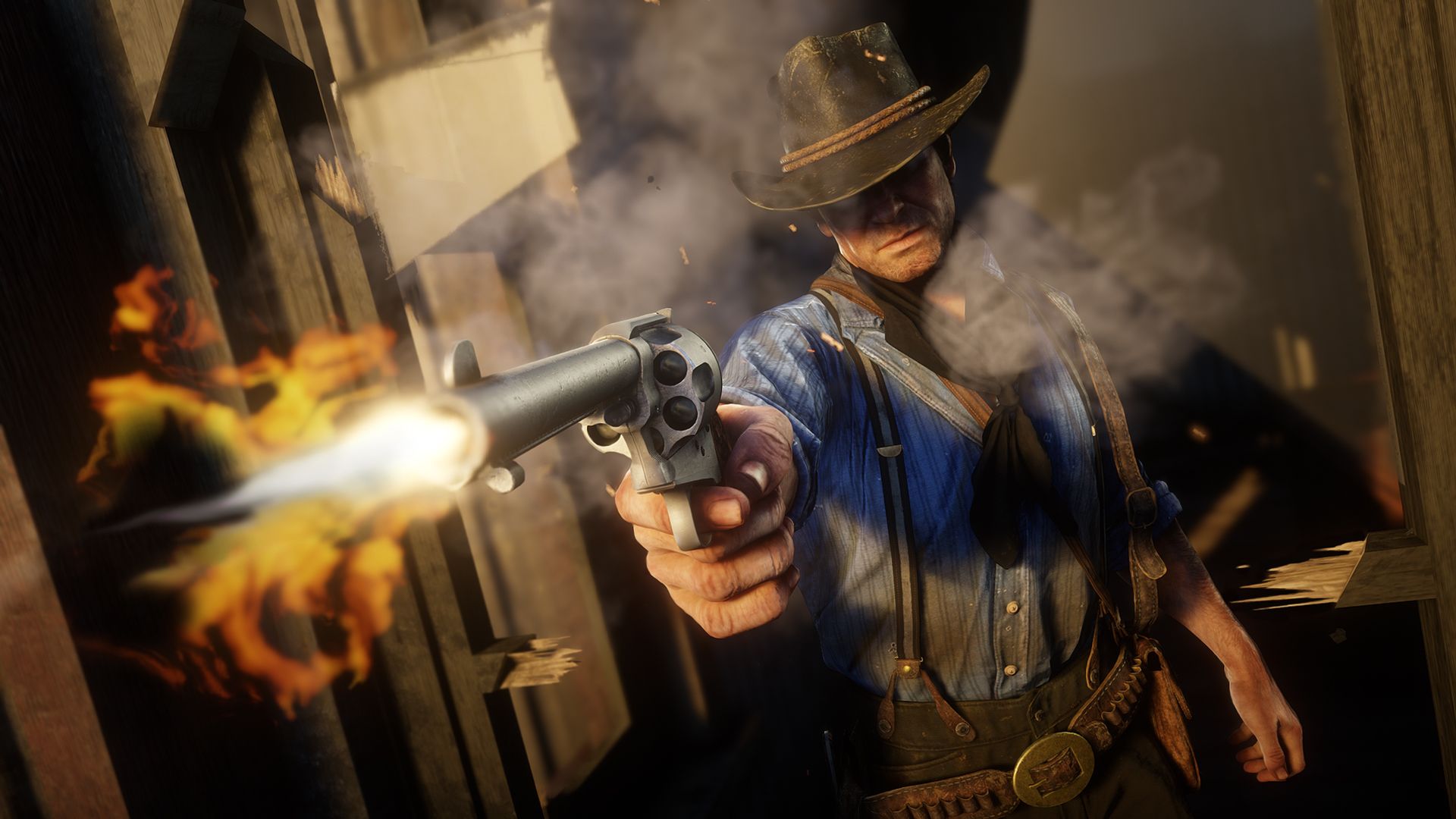
Rockstar Games have removed the Red Dead Redemption 2 Companion App from mobile app stores. As of Friday August 29th 2025, the app was removed from both the Apple App Store and Google Play Store by Rockstar Games. This has added fuel onto the rumours of a new next-gen version of the game.

For those unaware, the Red Dead Redemption 2 Companion App was launched alongside the game in 2018. It allows for a real-time synced map to be displayed on a mobile device whilst gamers play the game. It includes useful information such as stats, Arthur’s journal and more. Some players opted to turn off the HUD in-game and use the companion app as a guide.

Rockstar Stops New Downloads

First spotted by GTA Forums user FulVal85, Rockstar published two new articles on their support site explaining why fans can no longer find the Red Dead Redemption 2 Companion App on their app store of choice. The links and store pages are now dead.

The articles are titled “Unable to find the Red Dead Redemption 2 Official Companion App on the Apple App Store/Google Play Store” and come with an explanation. Rockstar say “The Red Dead Redemption 2 Official Companion App is no longer being offered on the Apple App Store & Google Play Store as of August 19, 2025.”

They continue by saying that anyone who previously downloaded the Red Dead Redemption 2 Official Companion App from either store will still be able to access it in their account’s purchase history. So you can still enjoy using it but new users cannot download it.

Furthermore, Rockstar note “players who previously purchased the Red Dead Redemption 2: The Complete Official Guide within the app will be able to access it there.” So that is not lost either.

Why Would They Do This?

However, with the app no longer being on stores, social media users have speculated that a new version of the app is coming alongside the rumoured current gen re-release of the game. We’ll have to wait and see if that is the case or it more down to Rockstar not wanting to support a broken, old app.

Some fans are not too surprised by Rockstar discontinuing the app. It was not updated in quite some time. If you played the game on a PS5 or Xbox Series X|S, it did not work. Big fans of the game have been asking for an update to the game for those consoles or for a brand new version. Though with a decreasing usage of companion apps for games, it seems unlikely Rockstar will introduce a new version of this app.

In other Red Dead Redemption 2 news, the game is the 4th best selling game of the year so far. Plus, a brand new Red Dead Online Event Month has begun! Check out all of the details here. Of course, if there are any updates on a Switch 2 and current gen console version of RDR2, we’ll keep you posted.

For more Red Dead Redemption news updates, stay tuned to RockstarINTEL.

  • RockstarINTEL Bluesky
  • Grand Theft Auto News X
  • Red Dead News X
  • RockstarINTEL X
  • RockstarINTEL Instagram
  • RockstarINTEL Threads
  • RockstarINTEL Facebook
  • RockstarINTEL RSS Feed
  • RockstarINTEL TIKTOK
  • RockstarINTEL LinkedIn

Subscribe to our newsletter!

Aaron Trueman

    As a fan of Rockstar Games and part of the GTA community, Aaron used his passion to co-found and run GTA Online News / RockstarINTEL.

    Related Posts

    Disastrous GTA 6 Pre-Order Numbers Revealed By Store Staff

    June 30, 2026

    New GTA 6 Ads Arrive And They Avoid XBOX And Confirm PlayStation Marketing Deal

    June 30, 2026

    Xbox says they’ve had record Pre-orders for GTA6

    June 27, 2026

    GTA 6 Pre-Ordered 6 Times More Than Call Of Duty, Says Retailer

    June 27, 2026

    Comments are closed.

    Latest

    Disastrous GTA 6 Pre-Order Numbers Revealed By Store Staff

    By Aaron TruemanJune 30, 2026

    GTA 6 pre-orders opened last Thursday and it is speculated millions, potentially tens of millions…

    New GTA 6 Ads Arrive And They Avoid XBOX And Confirm PlayStation Marketing Deal

    June 30, 2026

    Xbox says they’ve had record Pre-orders for GTA6

    June 27, 2026

    GTA 6 Pre-Ordered 6 Times More Than Call Of Duty, Says Retailer

    June 27, 2026
    Community

    GTA Online Mod RAGE:MP Shut Down By Take-Two

    By Aaron TruemanMay 29, 2026

    [responsivevoice_button] The RAGE:MP platform has been asked to shut down by Take-Two Interactive. The popular…

    GTA V Gets Next-Gen Graphics Upgrade With New NaturalVision Update

    May 1, 2026

    Exclusive: Big GTA 6 Preparations Are Underway On The GTA Wiki

    March 20, 2026

    FiveM For GTA V Enhanced Gets Development Update

    March 18, 2026
    X (Twitter) Bluesky Facebook Instagram Threads RSS

    © 2026 RockstarINTEL
    RockstarINTEL Team
    Privacy Policy
    Manage Consent RockstarINTEL uses the IP2Location LITE database for IP geolocation.

    Type above and press Enter to search. Press Esc to cancel.