

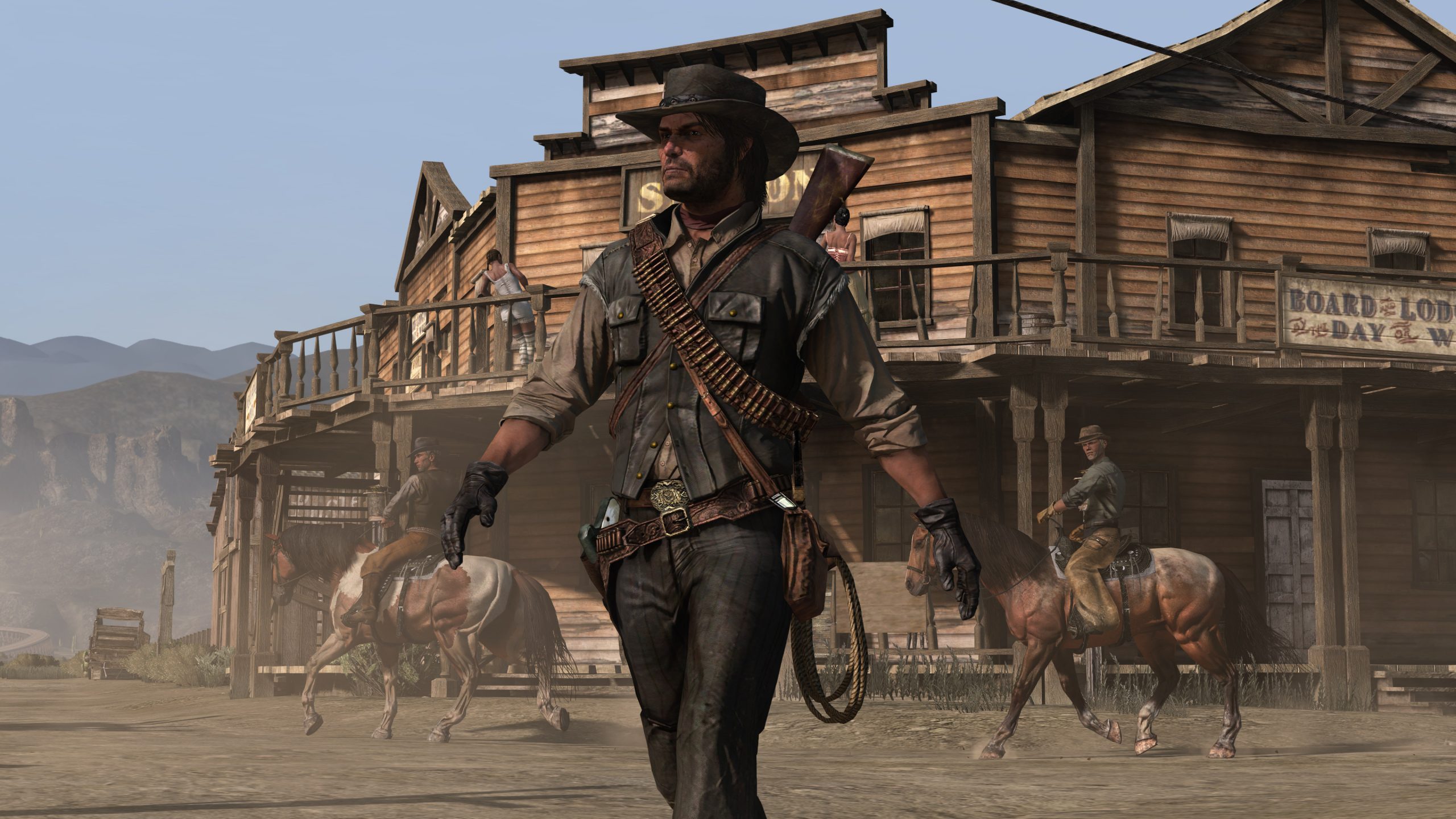
Red Dead Redemption has just been released on mobile devices for the first time. Rockstar Games’ epic western from 2010 is now available on iOS and Android devices.
There are two ways to play the game on mobile and there are two app versions. You can either download Red Dead Redemption via the Google Play Store and iOS App Store and use your active Netflix subscription. Or, you can pay $39.99 / £39.99 to own the full game without the need of an Netflix subscription. This option is also available on Android and iOS.
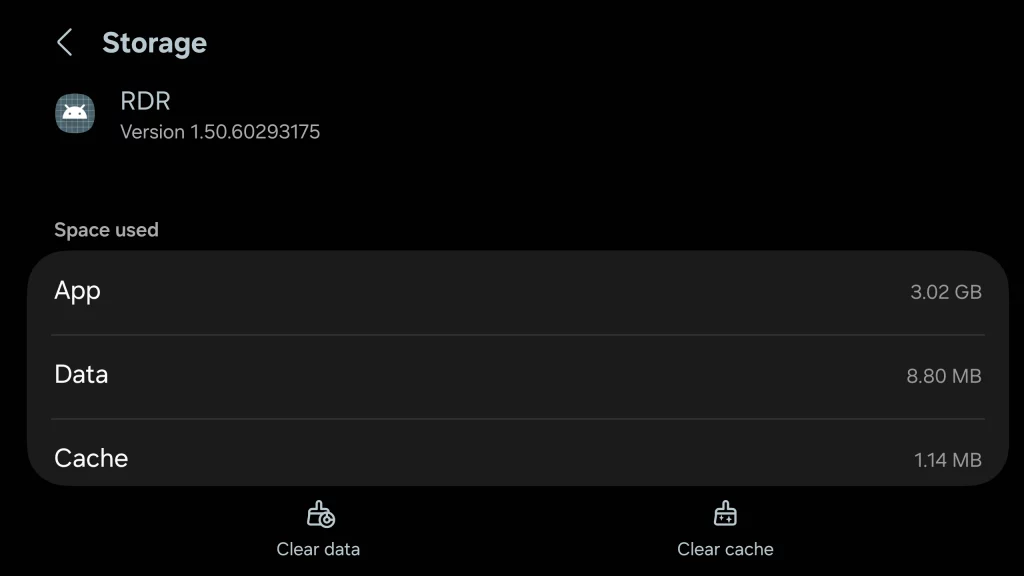
Red Dead Redemption requires iOS 18.0 or later and iPad OS 18.0 or later to run. On Android, it will require 10.0 and up. Both versions of the game come in at around 3GB in download and install sizes.
Upon downloading the app from your chosen mobile store, it will take a little bit of time to install the game and download some additional content required to play. For example, the Google Play Store download is 2.74GB but the final install size is over 3GB. Both versions of the game come in at around 3GB in download and install sizes.
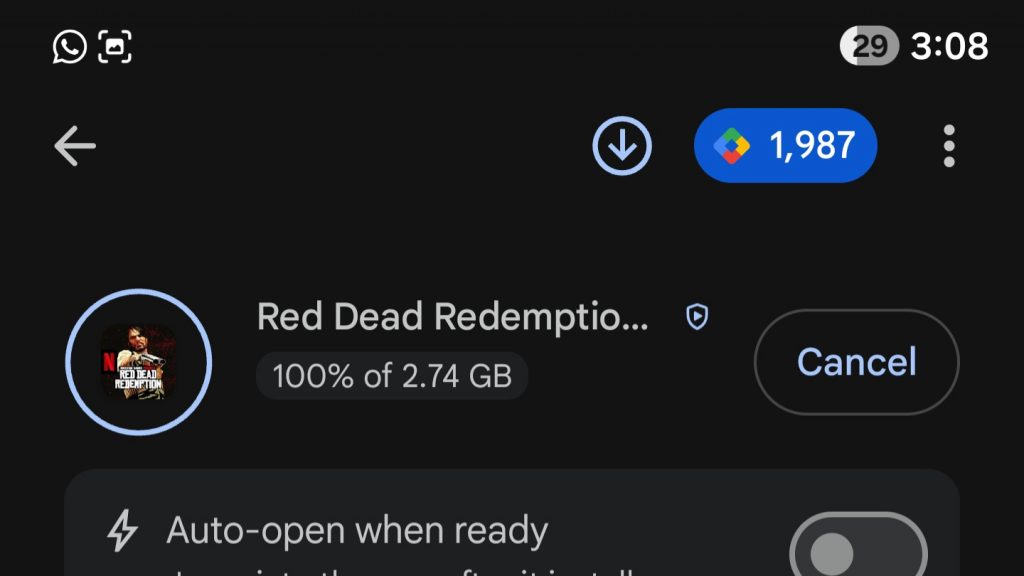
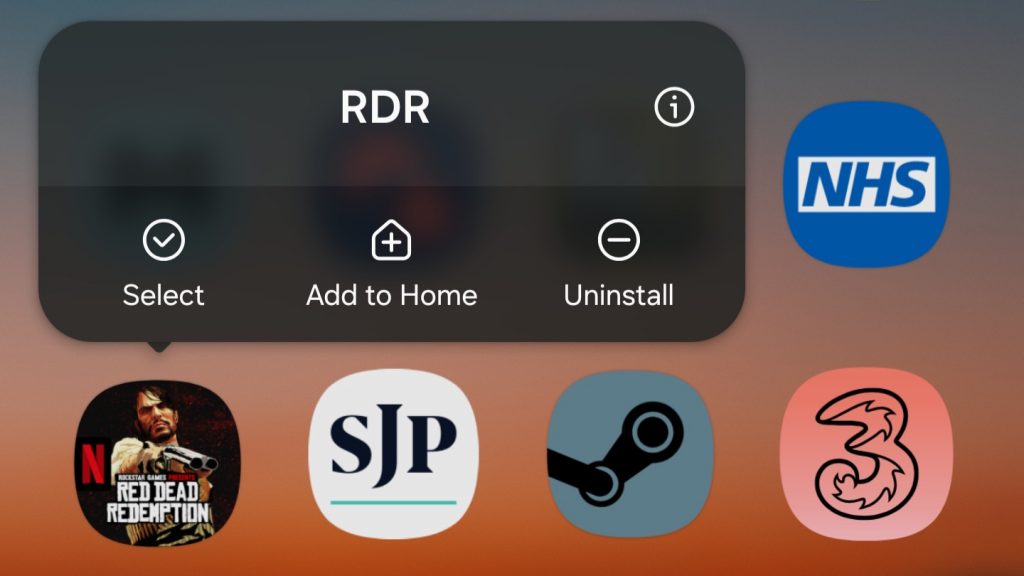
How To Download And Install With Netflix
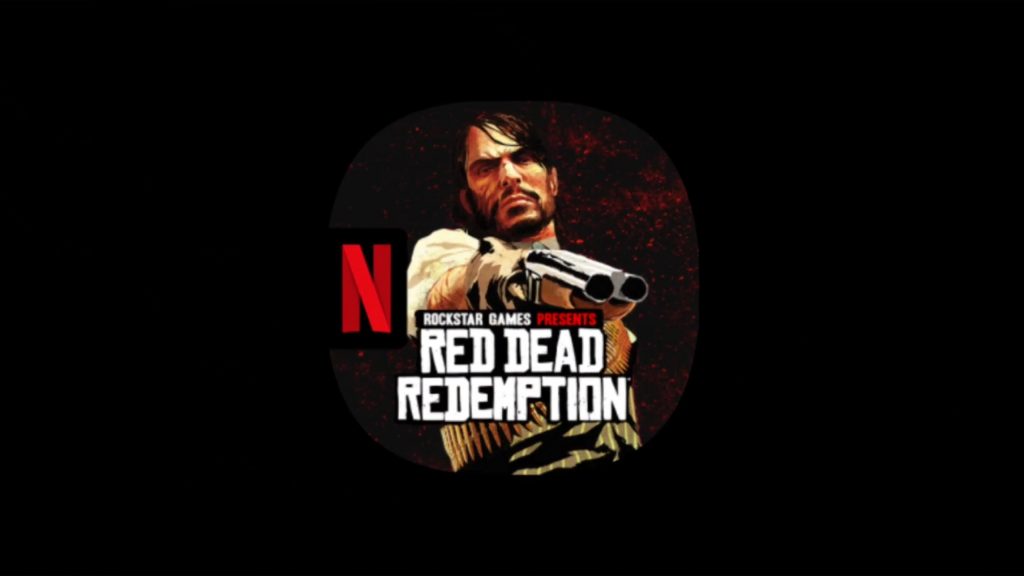
Upon booting the game, you’ll see the app icon full screen your phone for a split second before the Netflix logo splash screen.
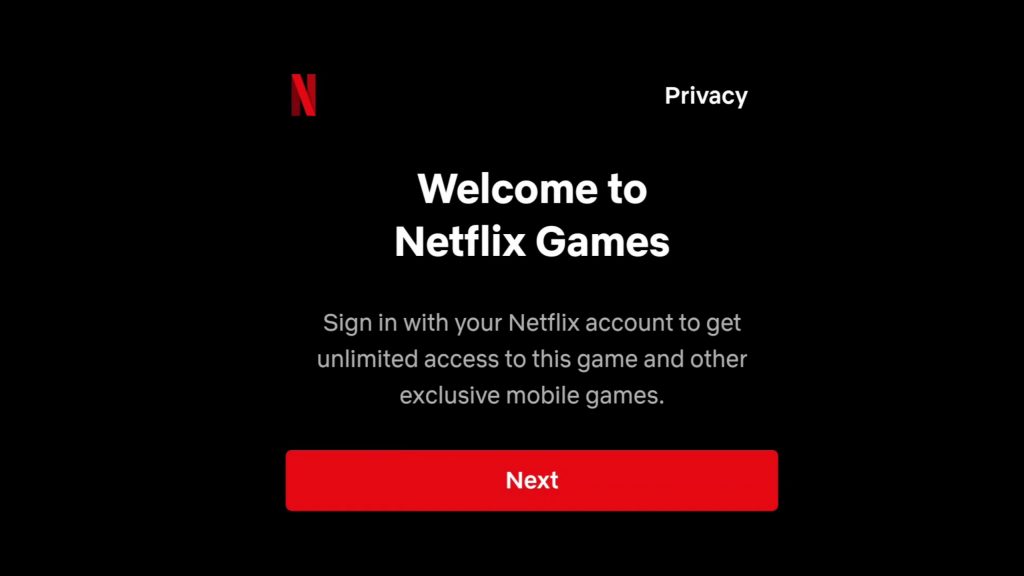
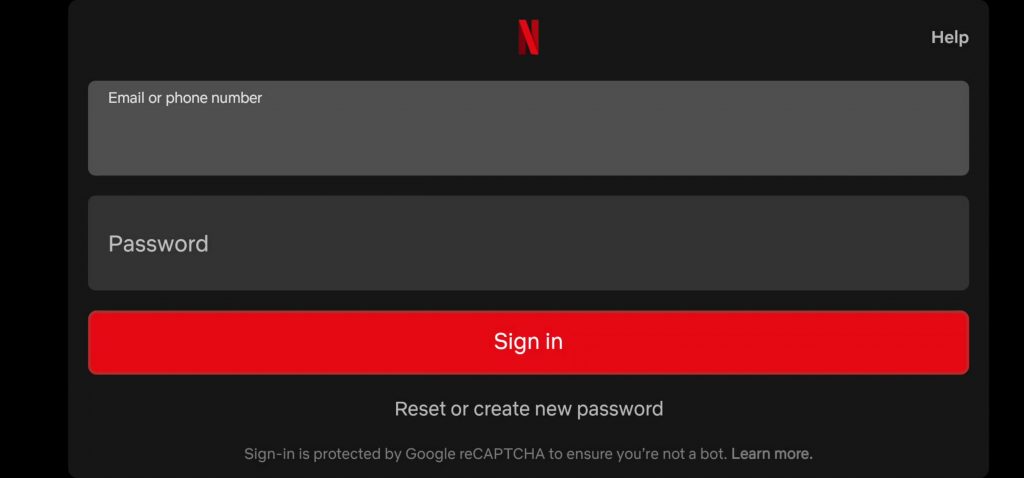
You are then given a “Welcome to Netflix Games” popup and a “Next” button. After tapping it, you can sign into your Netflix account with the sign-in pop-up.
When signed in, the classic intro will play. This will be then followed by the main menu.
For more Red Dead Redemption news updates, stay tuned to RockstarINTEL.
Interested in diving deeper into Red Dead Redemption and the real history it is based on? Red Dead’s History is a book by Professor Tore C. Olsson and it explores how close the games are to real world history. Order your copy here or learn more here.
(Note: purchasing via the Amazon link above will earn us a small commission so if you’d like to help support this site, consider using that link. Thank you!)
Subscribe to our newsletter!

1 Comment
Total installed size is 6.78Gb.