Close Menu
  • Charts
  • Community
  • GTA 6
  • GTA Online
    • A Safehouse in the Hills
    • Agents of Sabotage
    • Bottom Dollar Bounties
    • Casino
    • Cayo Perico
    • Event Week
    • GTA+
    • Los Santos Drug Wars
    • Money Fronts
    • Roleplay
    • San Andreas Mercenaries
    • The Cluckin’ Bell Farm Raid
    • The Contract
    • The Criminal Enterprises
    • The Kortz Center Heist
  • FiveM
  • GTA Trilogy
  • Guides
  • Max Payne
  • News
  • Red Dead
    • Red Dead Online
  • Reviews
  • Rockstar Games
    • Agent
    • Bully
    • CircoLoco
    • L.A. Noire
    • Midnight Club
    • Music
    • Red Hook Crit
    • Take-Two
  • Screenshots
X (Twitter) Bluesky Facebook Instagram Threads RSS
RockstarINTELRockstarINTEL
NEWSLETTER
  • Home
  • News
  • GTA 6
  • GTA Online
  • Event Week
  • GTA+
  • Guides
  • FiveM
  • Red Dead
  • Rockstar Games
    • Screenshots
    • Community
    • Logos
    • CircoLoco
    • Max Payne
    • Bully
    • L.A. Noire
    • Midnight Club
    • Take-Two
RockstarINTELRockstarINTEL
Home»Grand Theft Auto»A Safehouse in the Hills»How To Buy Cats And Dogs In GTA Online And Pet Them

How To Buy Cats And Dogs In GTA Online And Pet Them

Aaron TruemanBy Aaron TruemanDecember 10, 2025 A Safehouse in the Hills
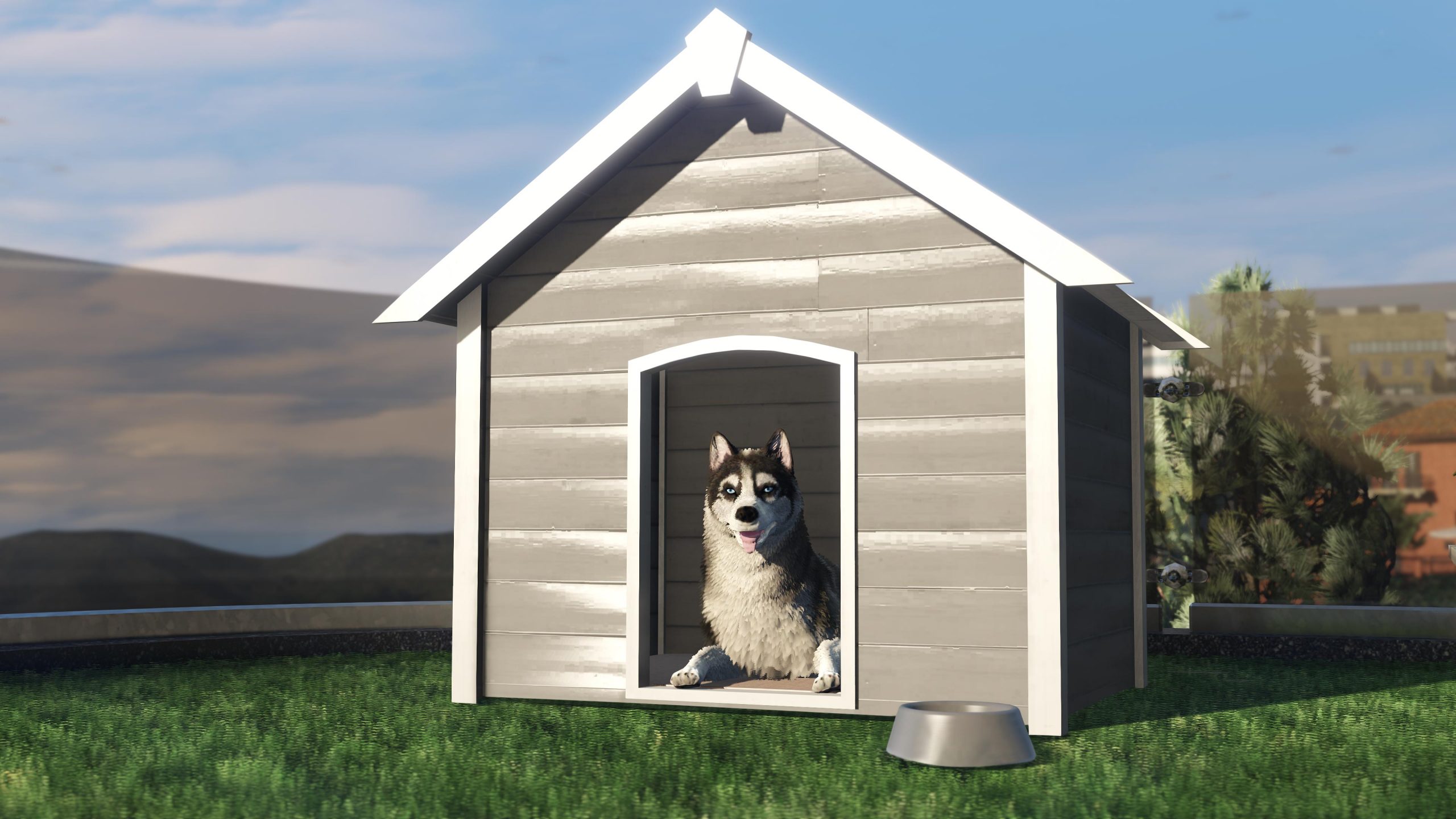
Siberian Husky dog character in GTA V sitting inside a light grey wooden dog house on a patch of green grass. A grey metal food/water bowl sits in front of the dog house. The background shows an urban setting with buildings and trees under a sunny sky.
Share
Twitter Facebook Bluesky Pinterest Reddit WhatsApp Threads Email Copy Link

[responsivevoice_button]

You can now buy and own pets in GTA Online. You can own either a cat and/or dog as part of this winter’s GTA Online A Safehouse in the Hills update which is now available for players to download. It brings a bunch of new content such as new vehicles, story missions with Michael De Santa, gameplay changes and more.

The headline is are purchasable mansions which includes the option to purchase and own pets. We’ll be showing you all all of the customisation options, how to pet your new friend and more. To be able to get a cat or dog, you must first purchase one of the three new mansions.

Cats
Click to enlarge

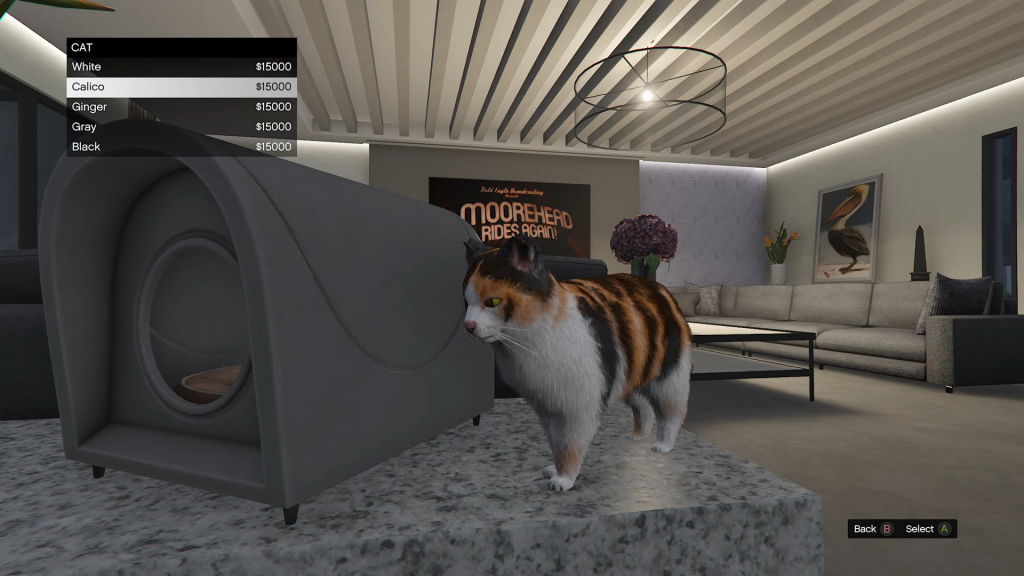
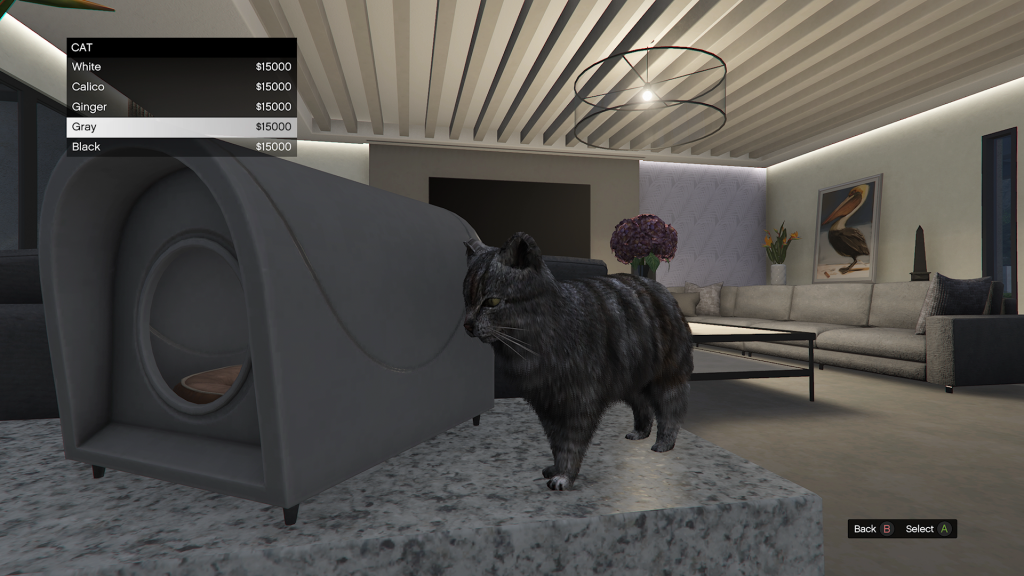
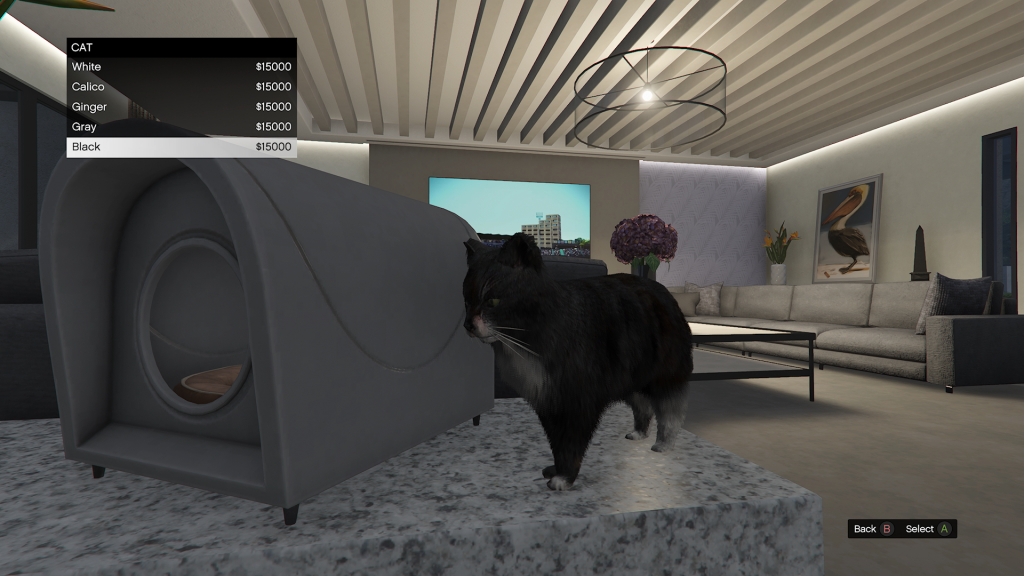
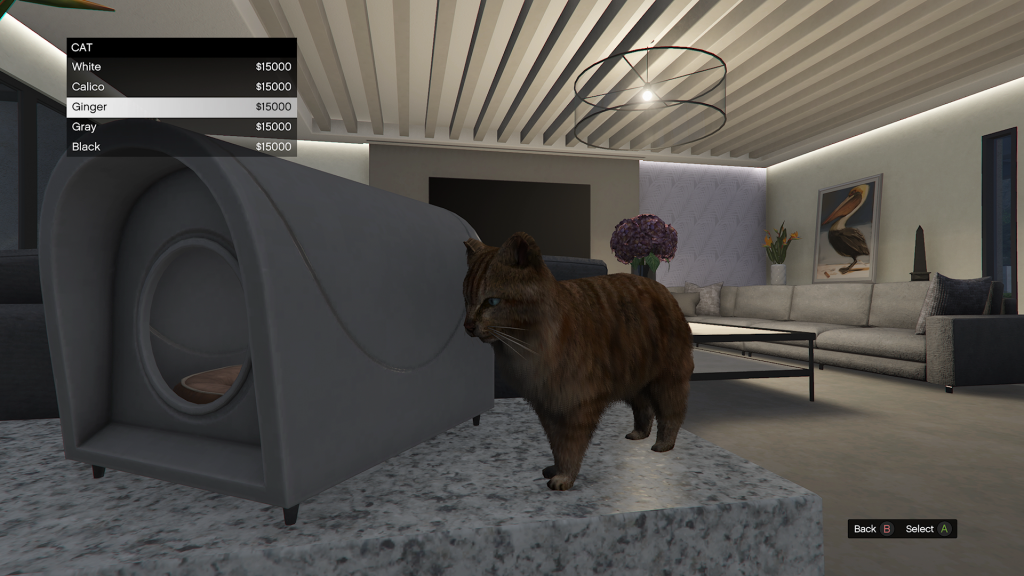
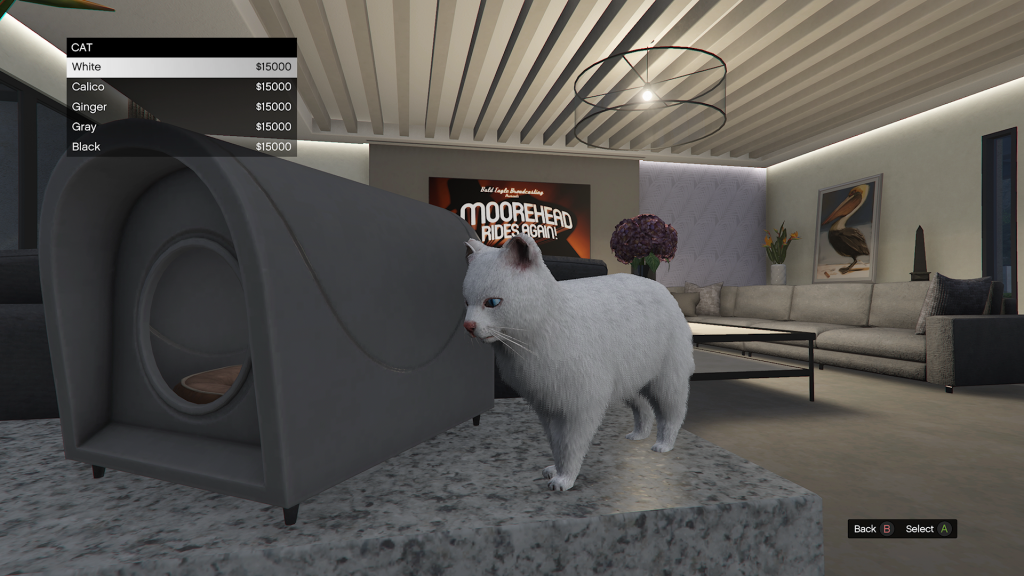
There are five cats to choose from: white, calico, ginger, gray and black. Each cost $15,000. They can be purchase from the kennel found in the lounge area.
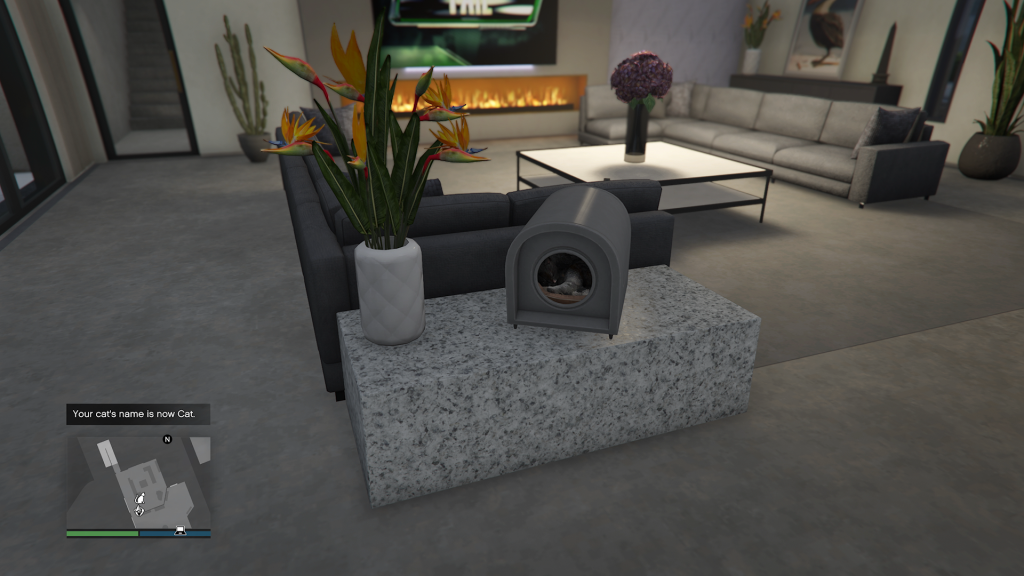
Upon purchasing one, you’ll be asked to input their name. You can rename them by visiting the kennel, accessing the menu and pressing Y/Triangle to rename. From here, you can also change the breed or colour.

Dogs
Click to enlarge

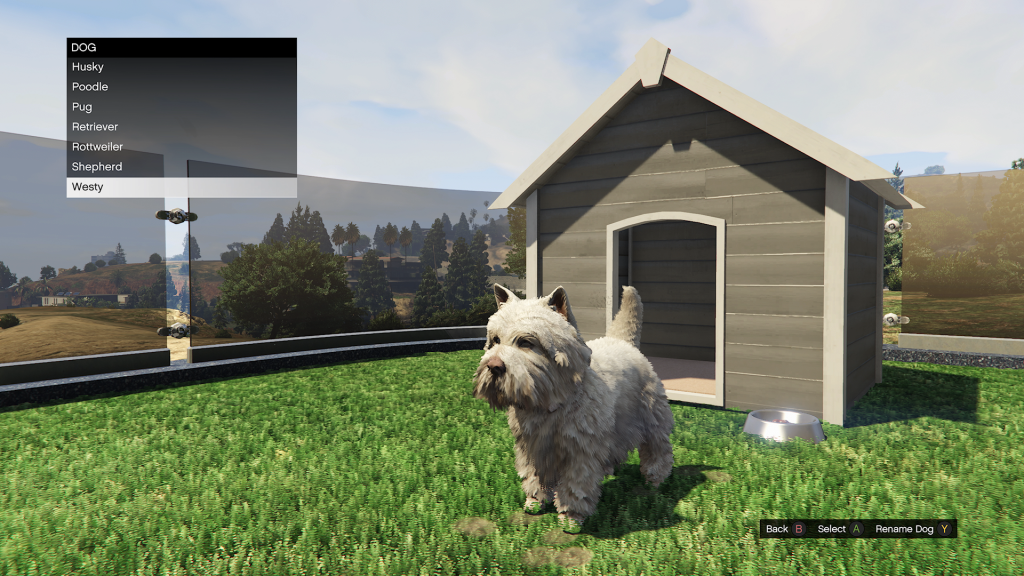
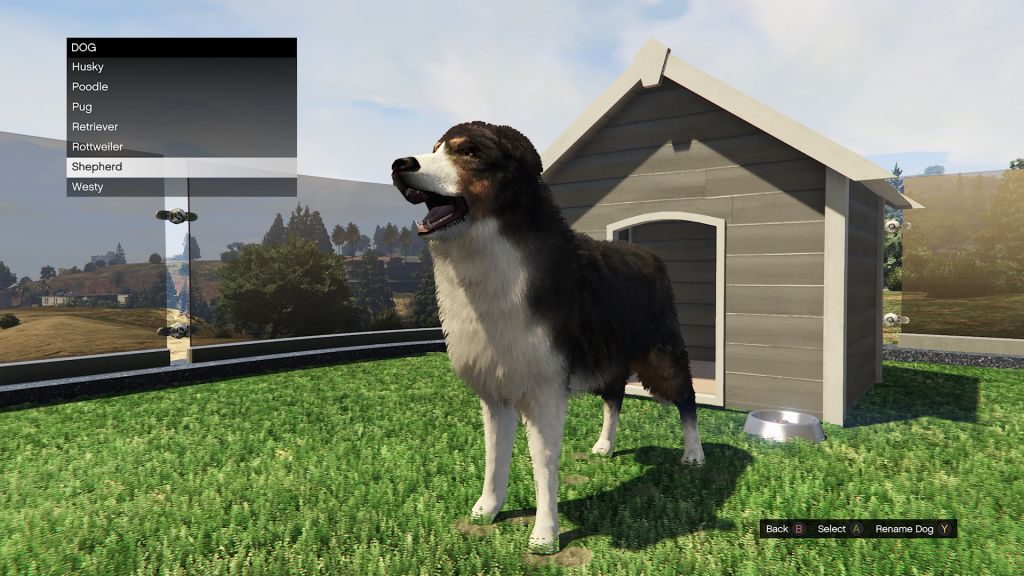
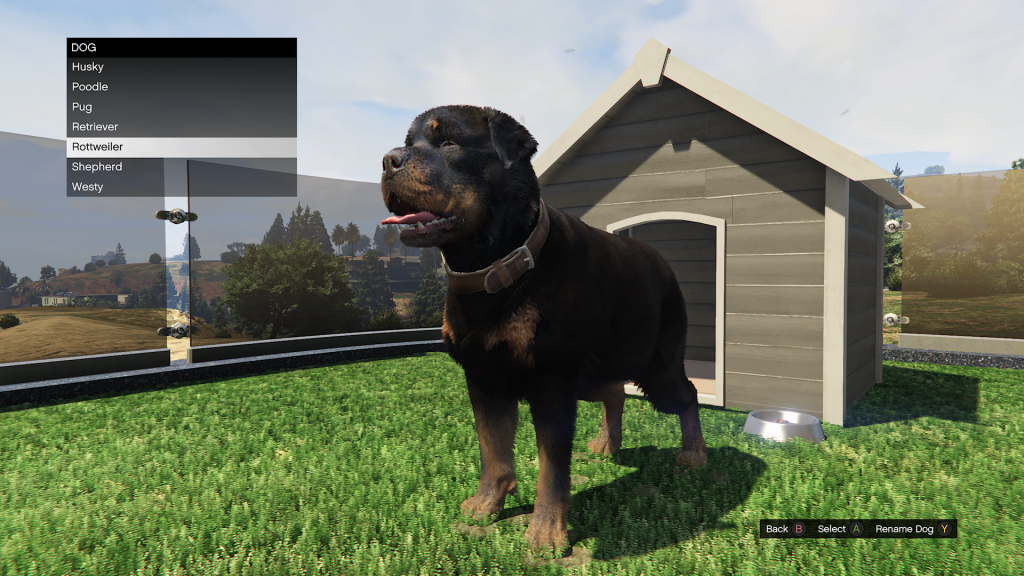
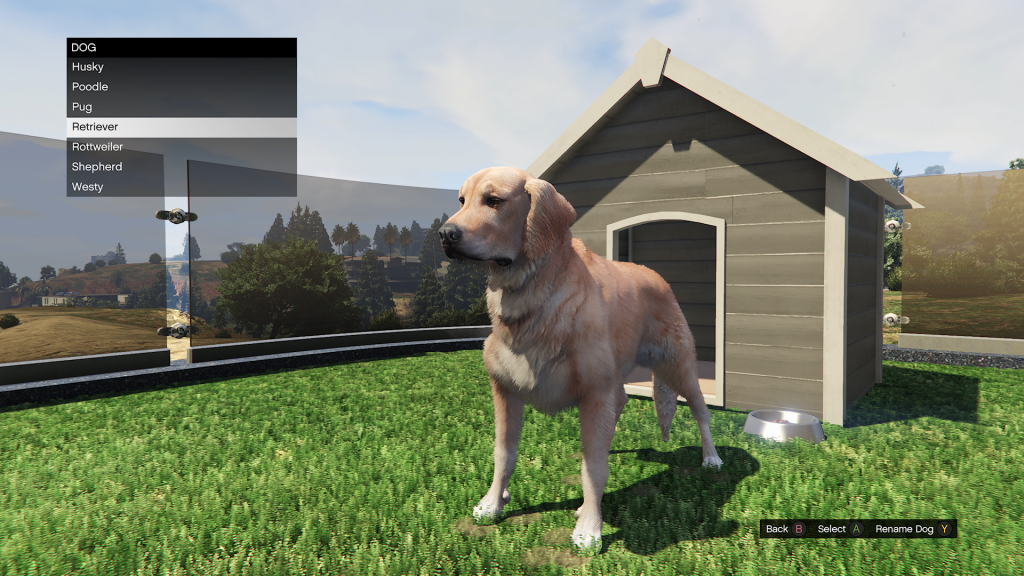
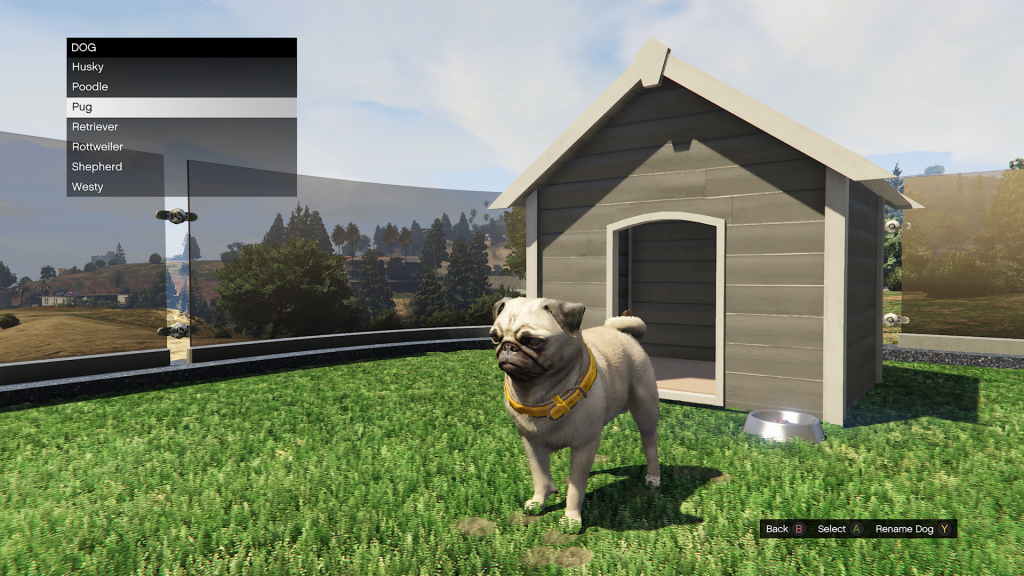
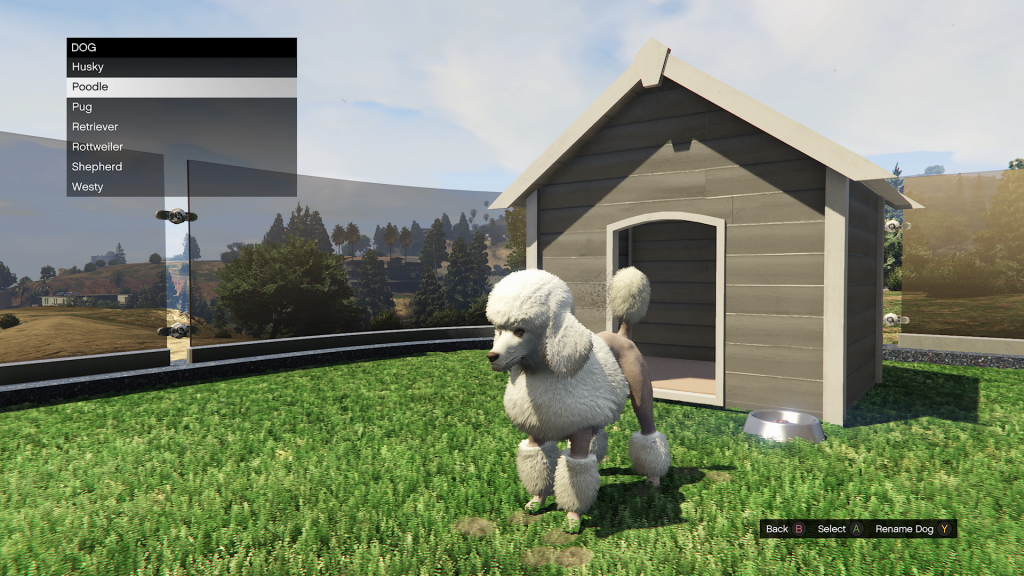
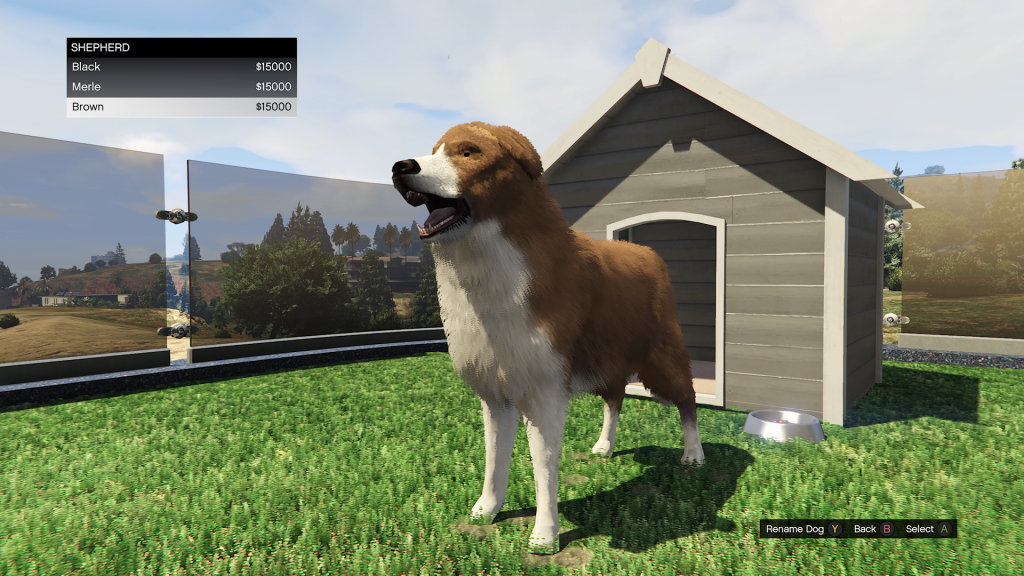
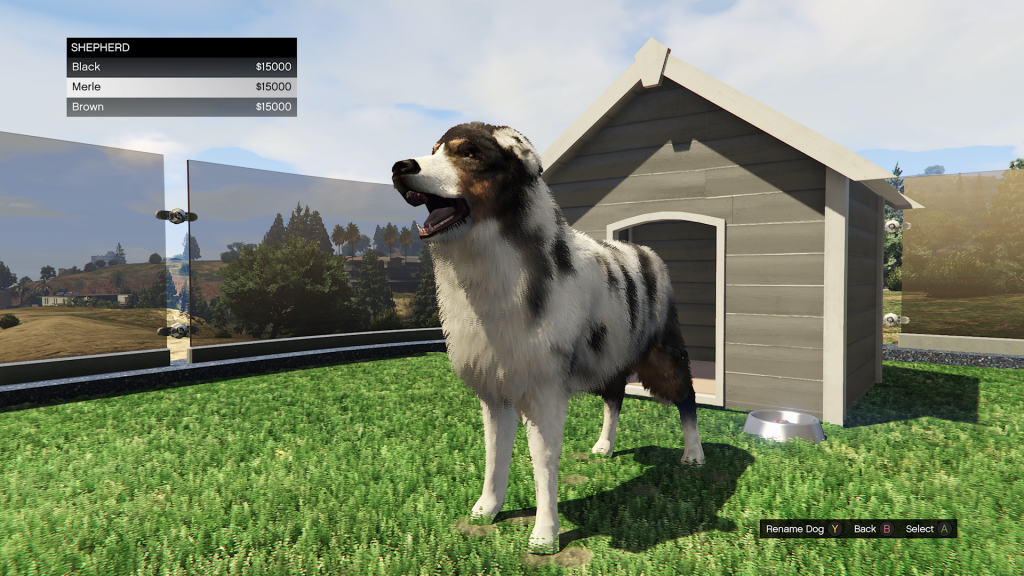
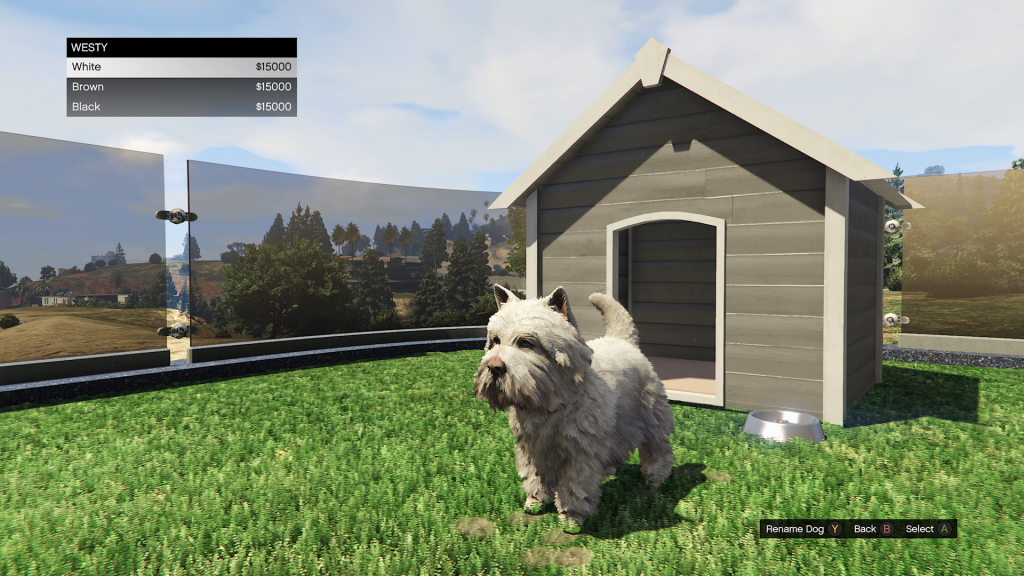
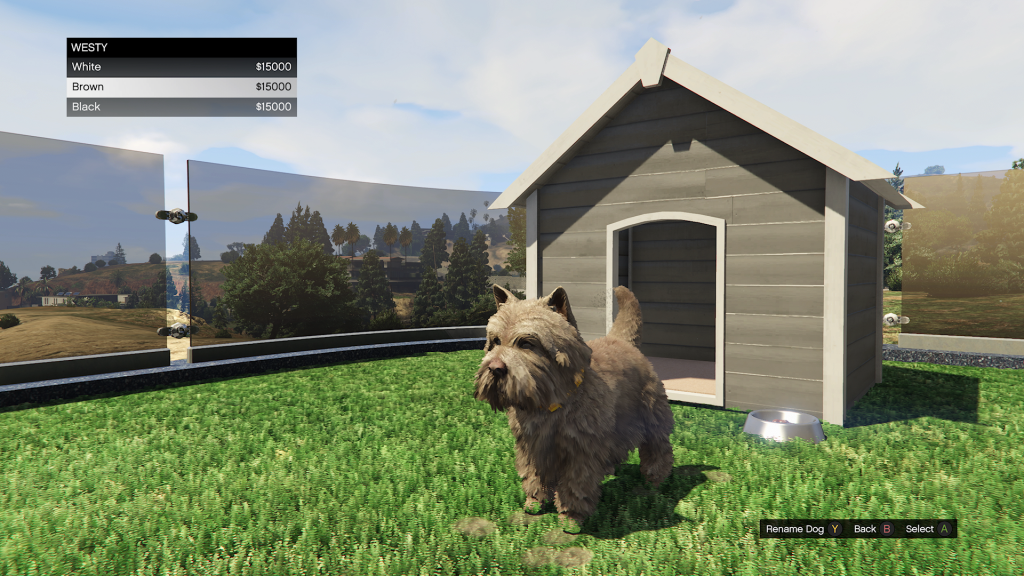
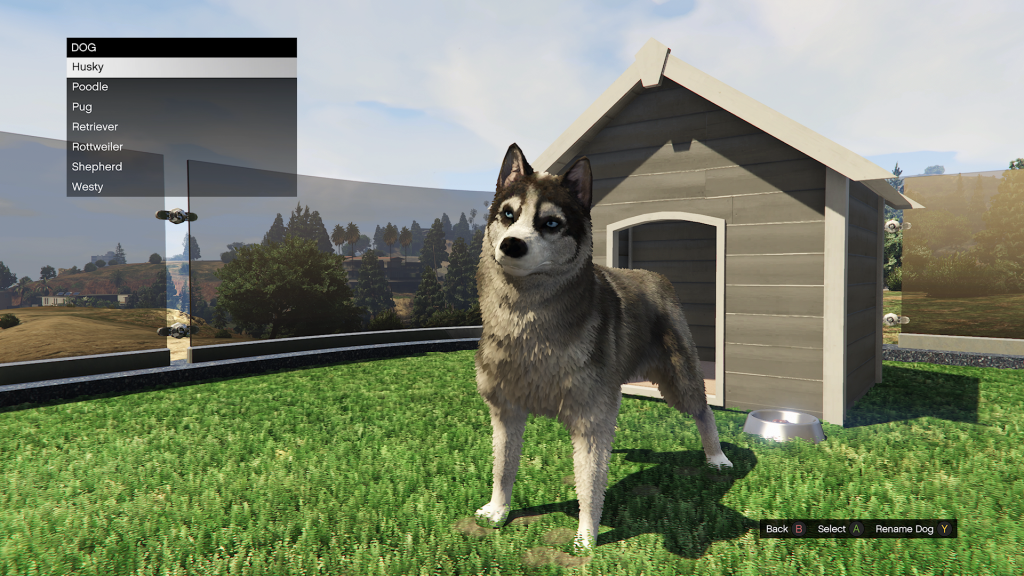
There are seven dog breeds to choose from: Husky, Poodle, Pug, Retriever, Rottweiler, Shepherd and Westy. Each cost $15,000 and come in different colours. They can be purchased from the kennel found outside the main living area and driveway.
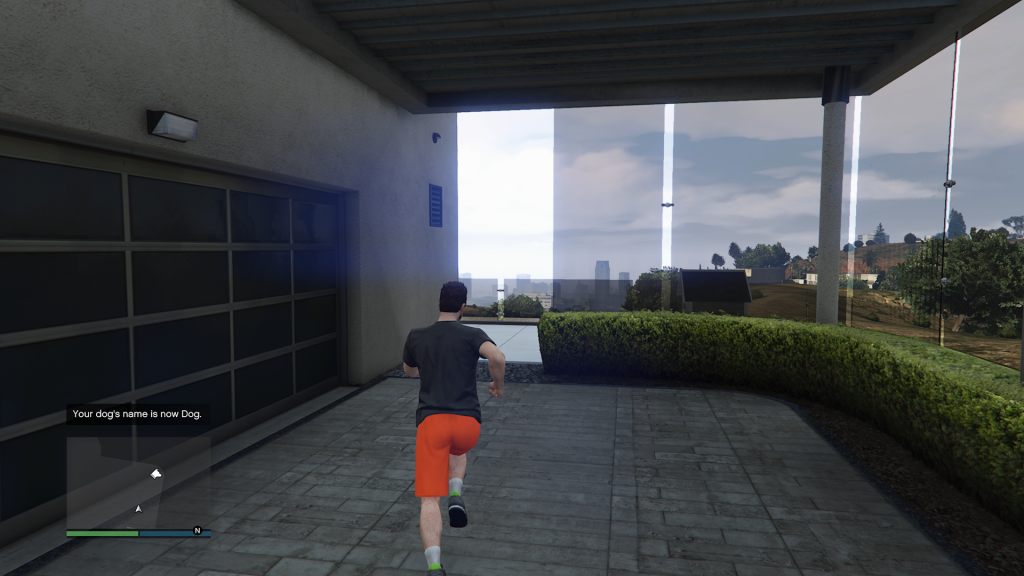
Upon purchasing one, you’ll be asked to input their name. You can rename them by visiting the kennel, accessing the menu and pressing Y/Triangle to rename. From here, you can also change the breed or colour.

How To Pet Your Dog In GTA Online
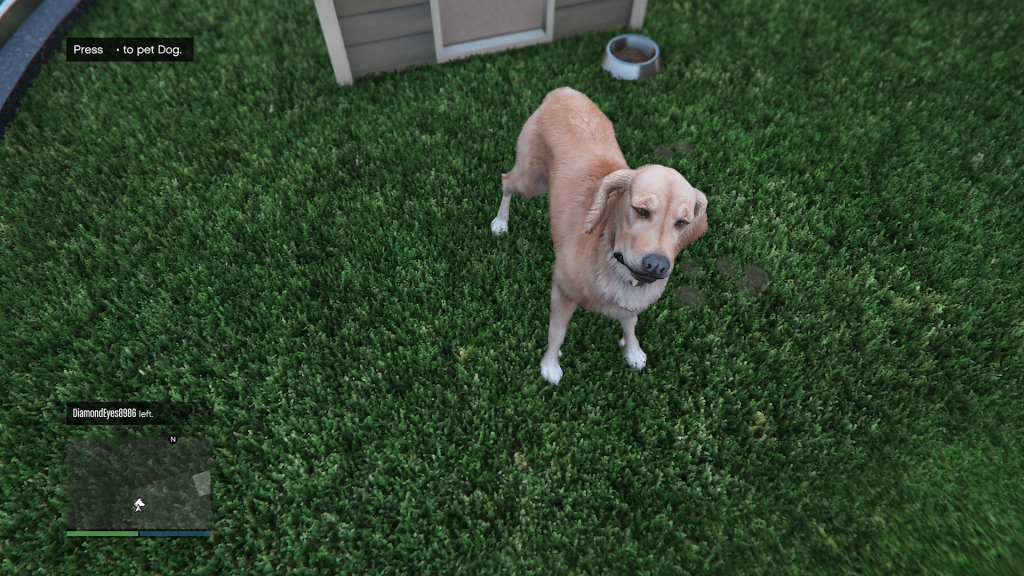
Click to enlarge

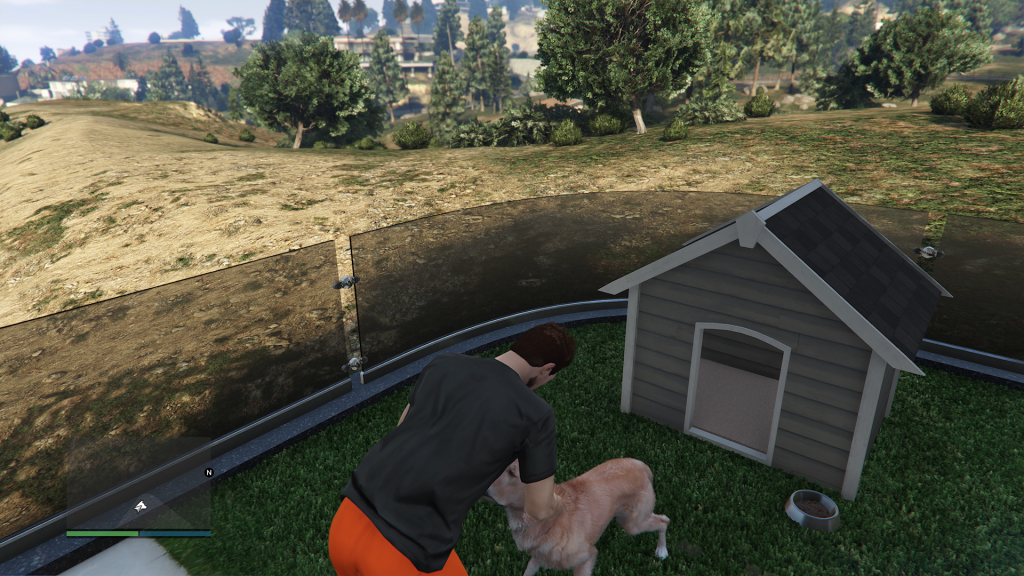
To pet your dog, press the right d-pad button to begin petting your friend.

Colour Options

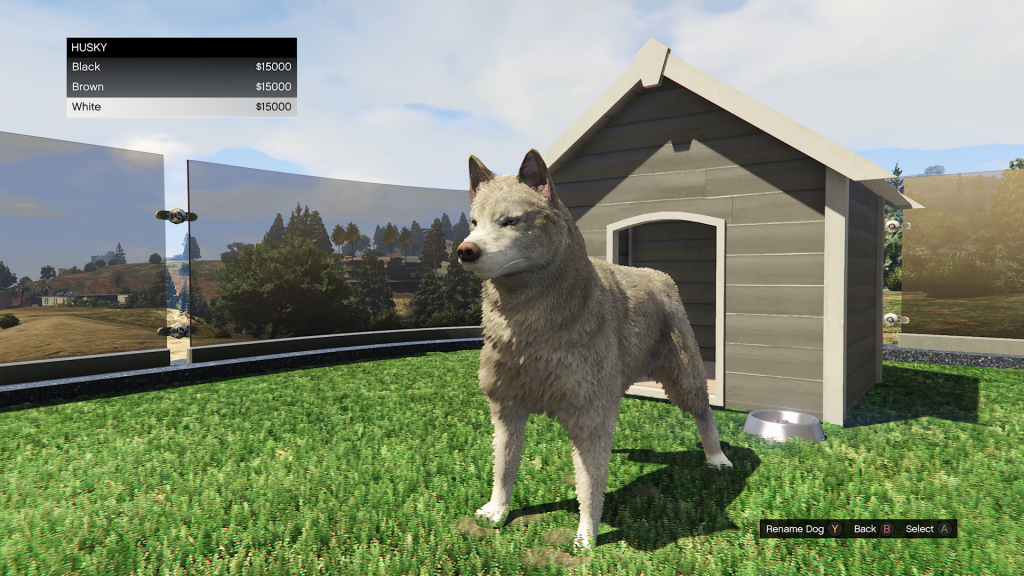
Husky
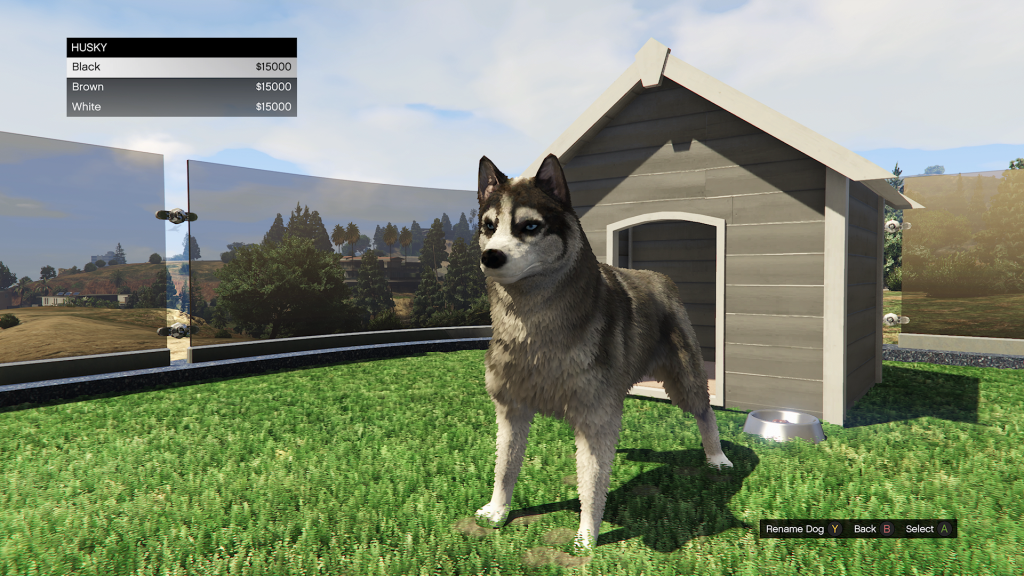
Click to enlarge

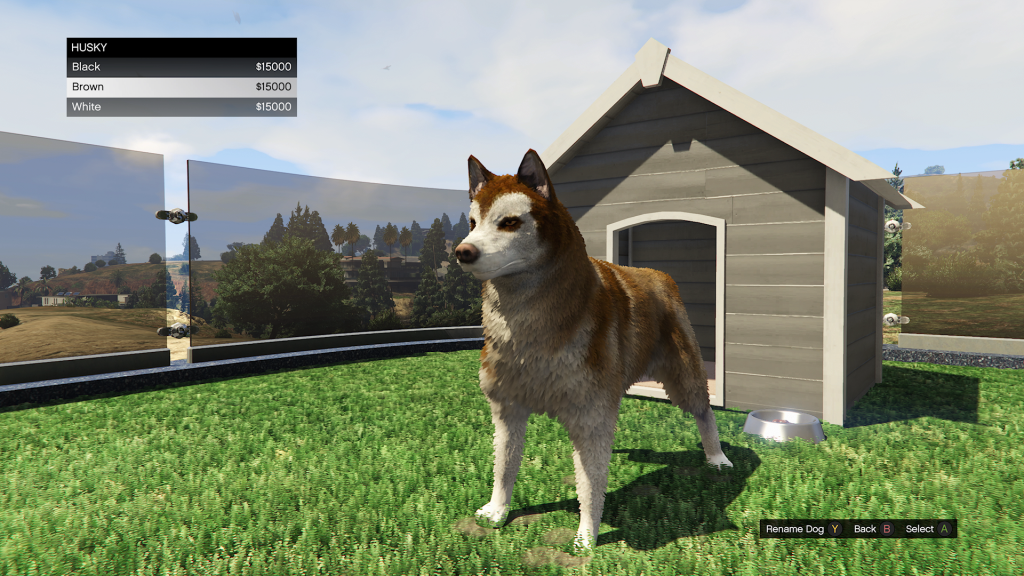
The Husky comes in black, brown and white.

Poodle
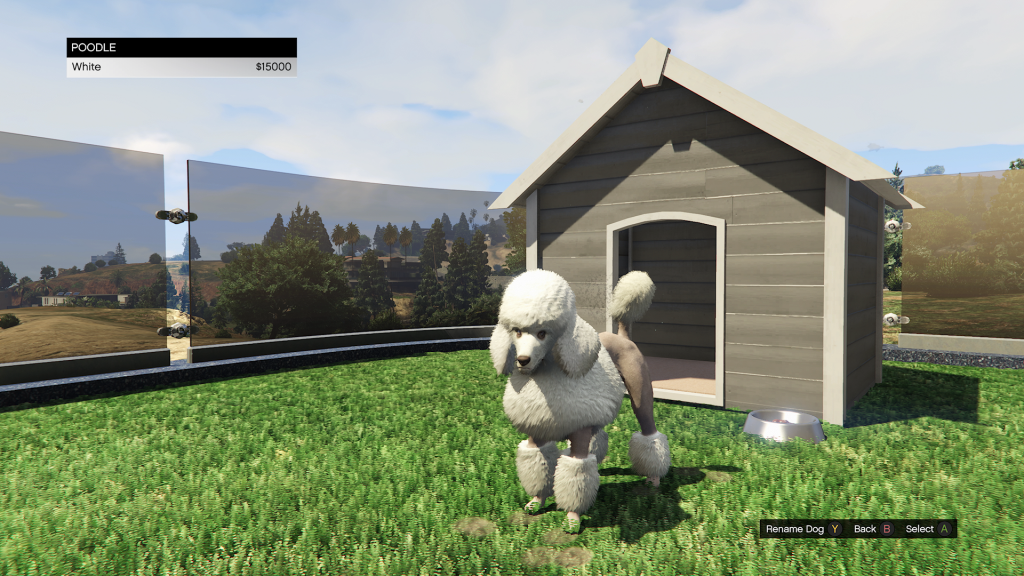
The Poodle comes in white.

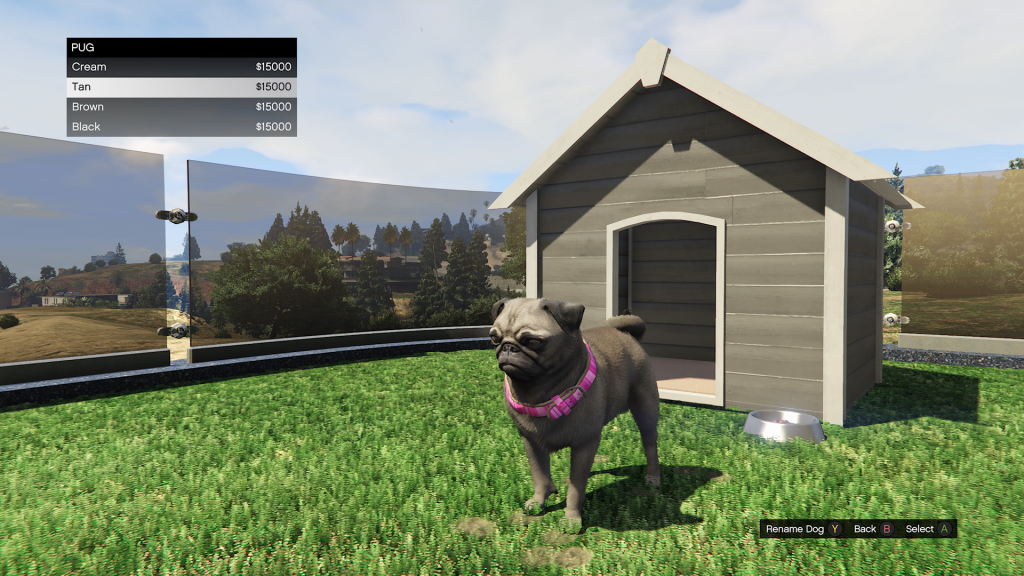
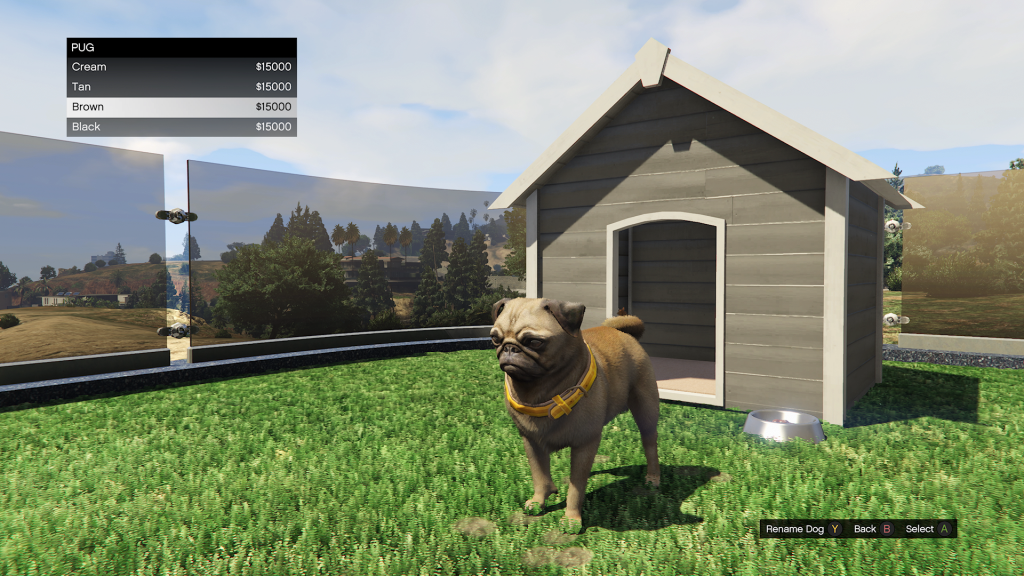
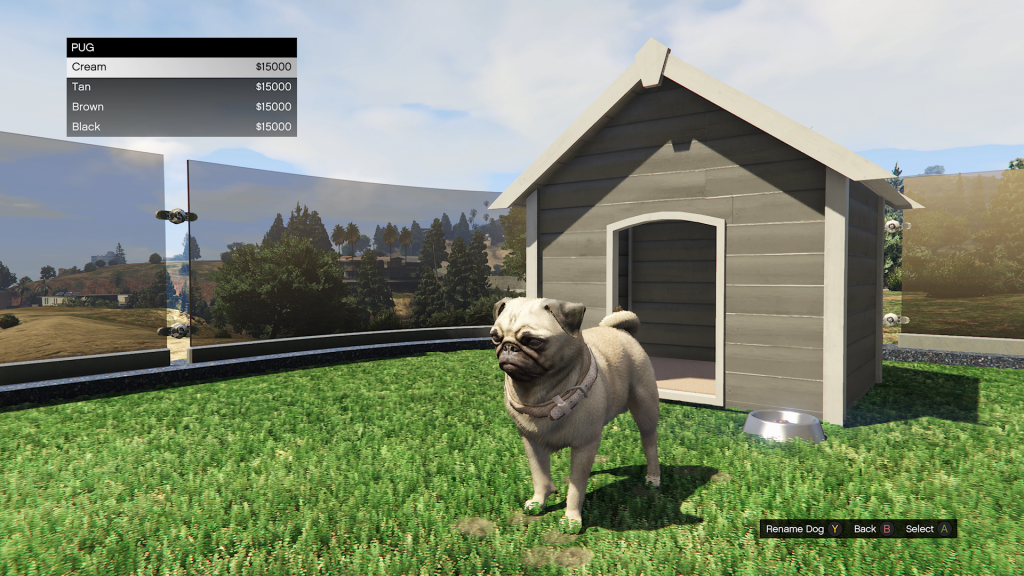
Pug
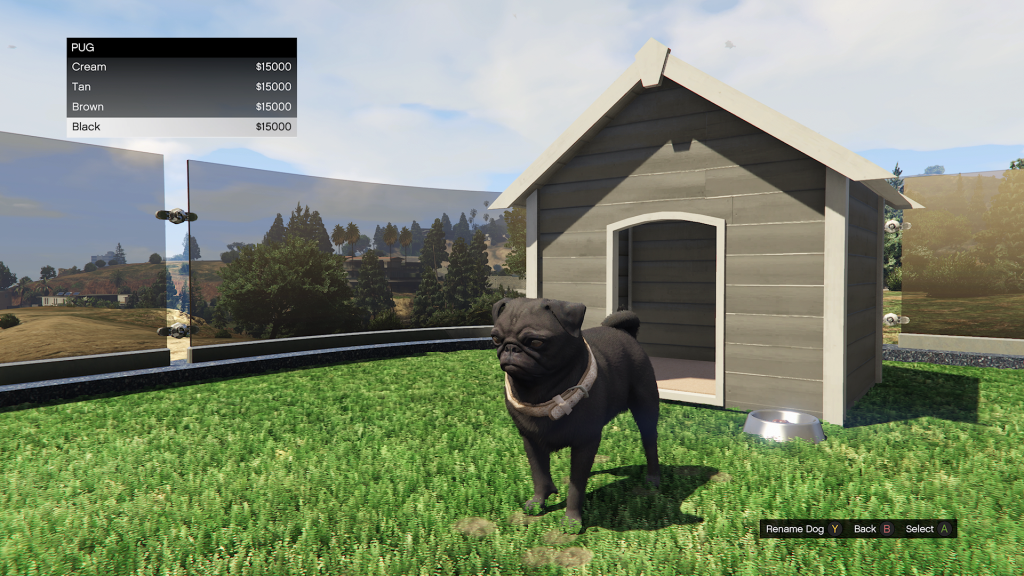
Click to enlarge

The Pug comes in black, brown and tan and cream.

Retriever
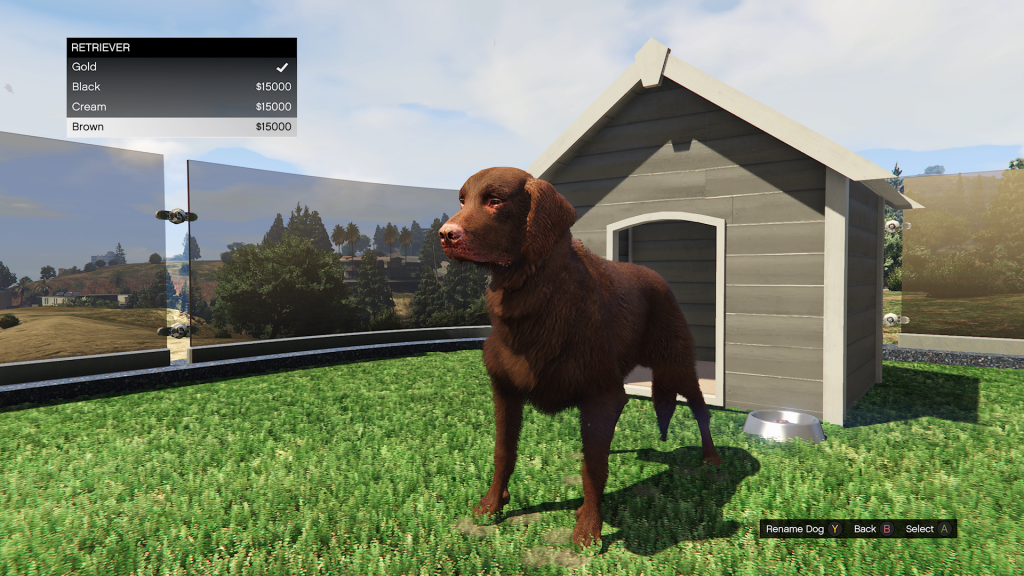
Click to enlarge

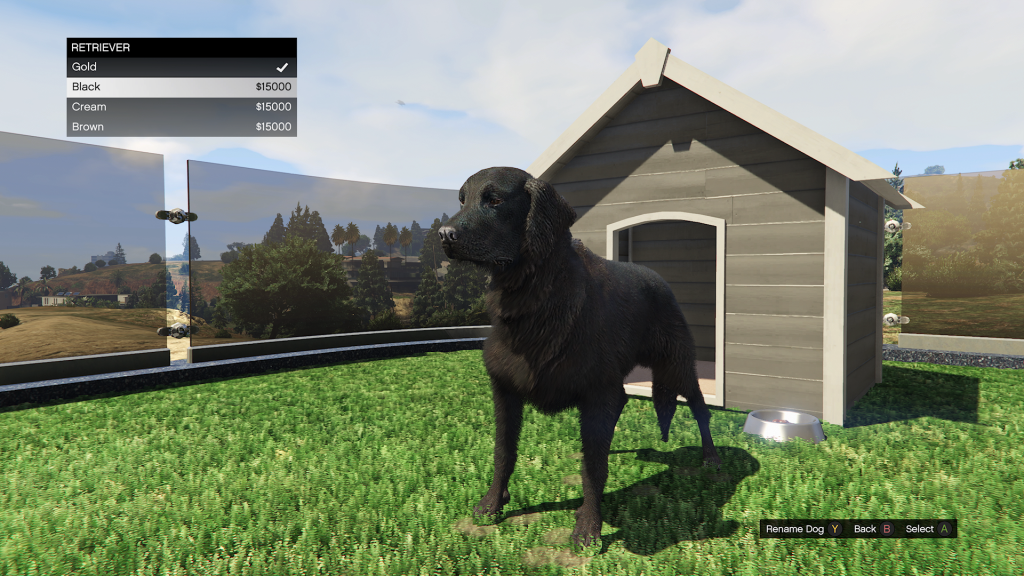
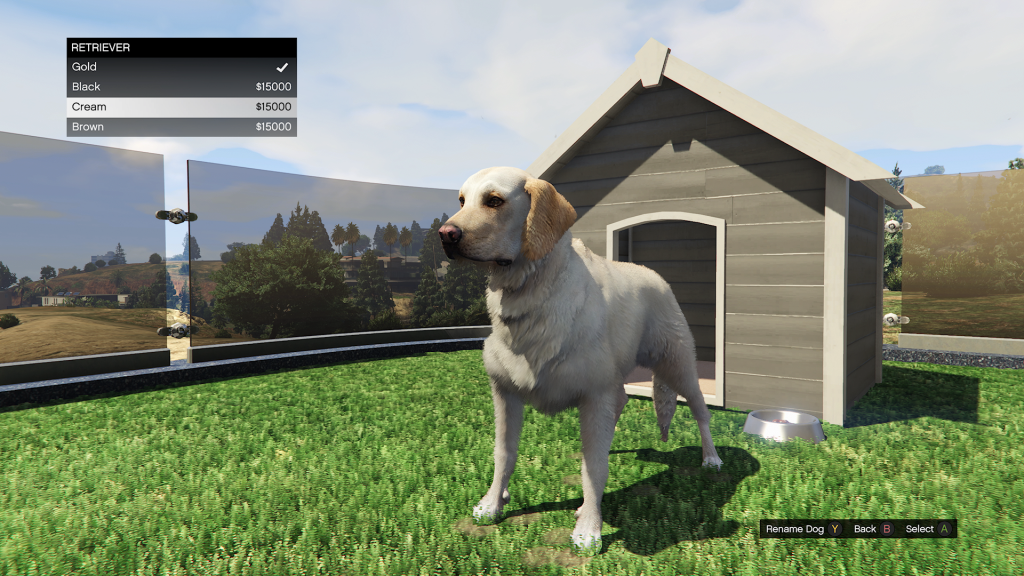
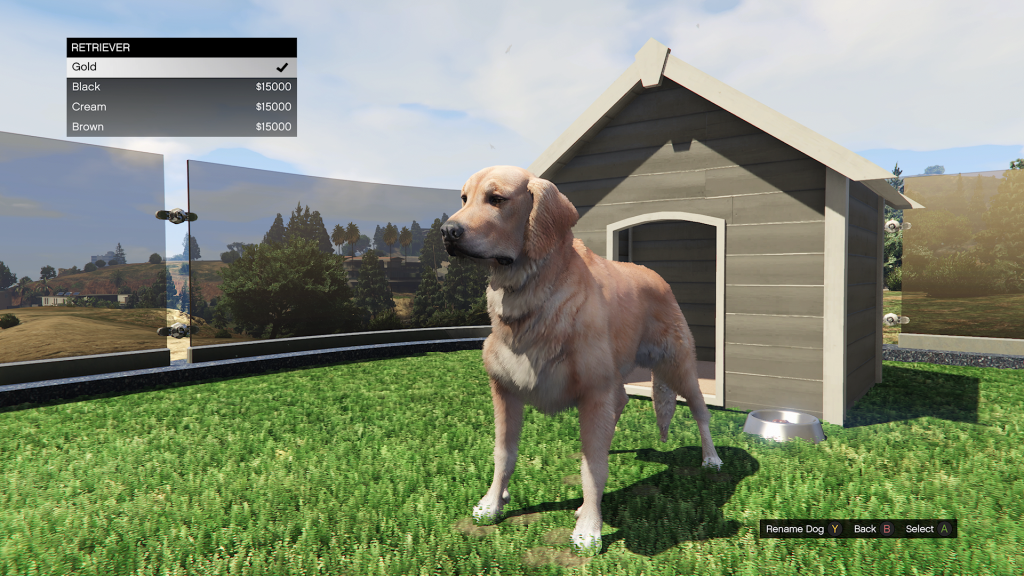
The Retriever comes in gold, black, cream and brown.

Retriever
Click to enlarge

The Retriever comes in gold, black, cream and brown.

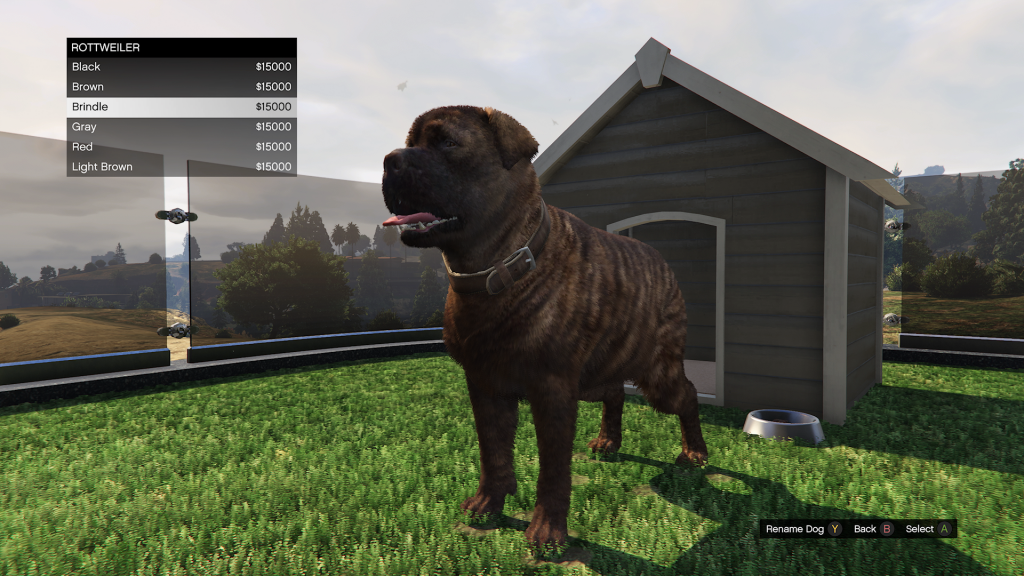
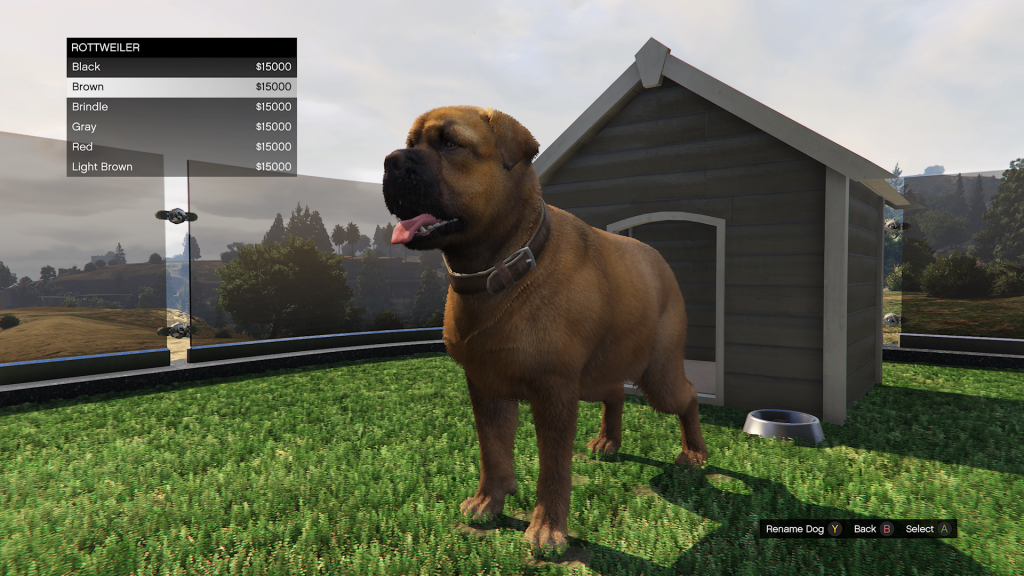
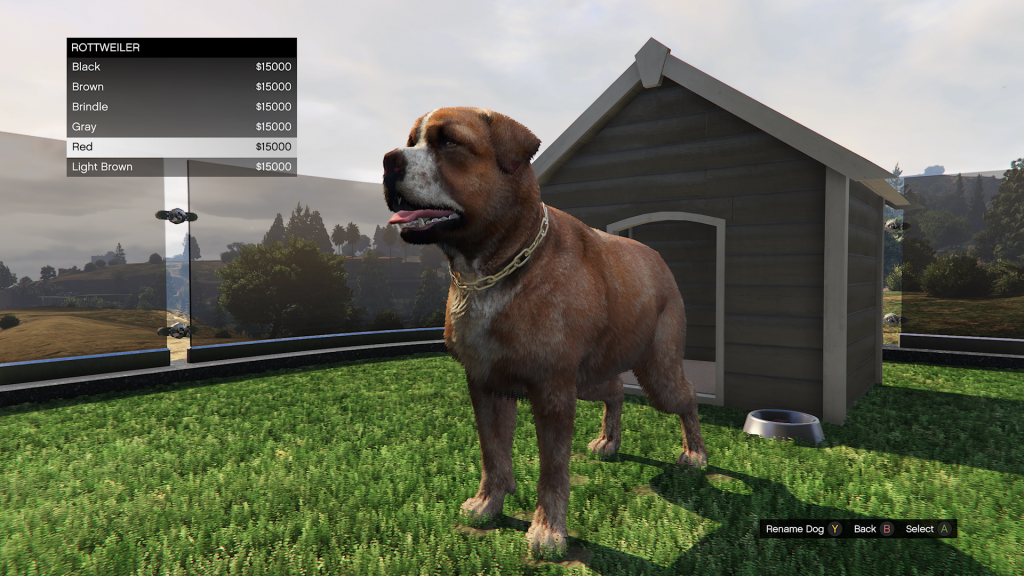
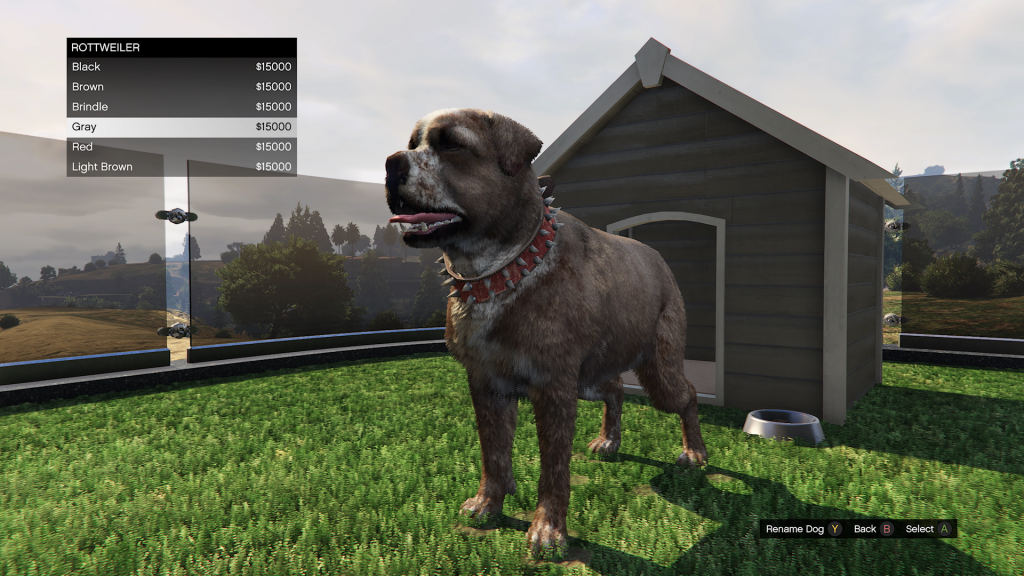
Rottweiler
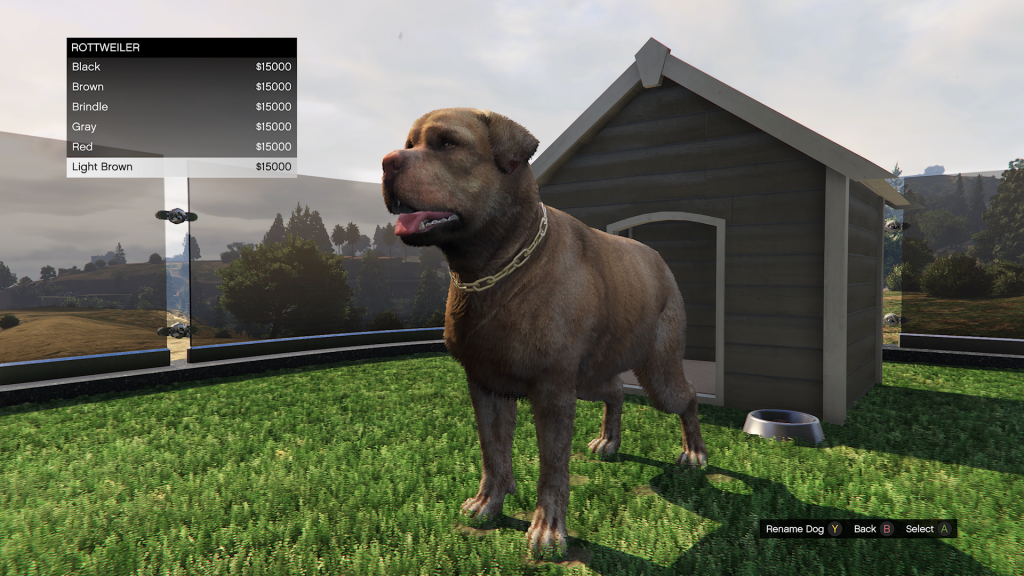
Click to enlarge

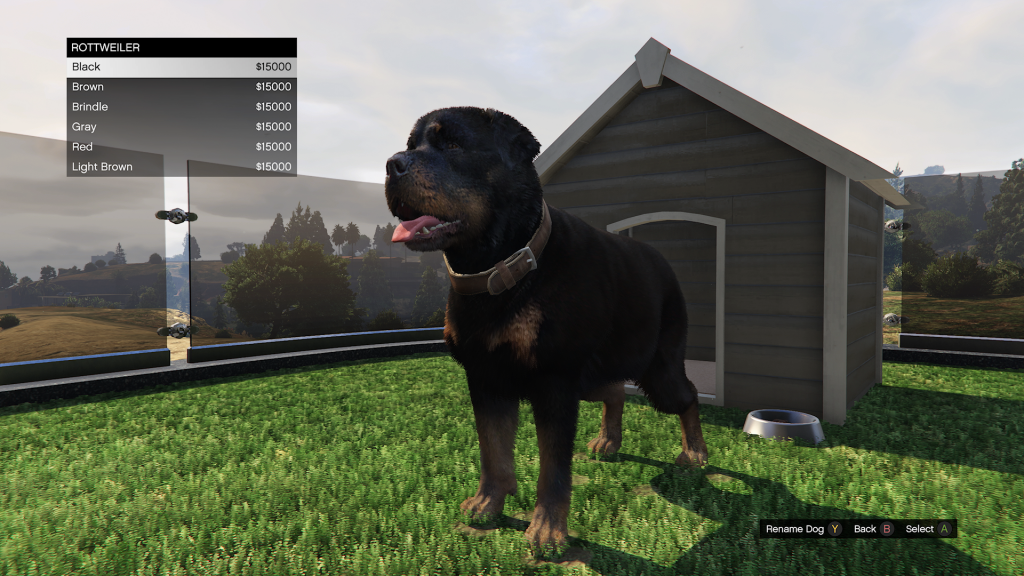
The Rottweiler comes in black, brown, brindle, gray, red and light brown.

Shepherd
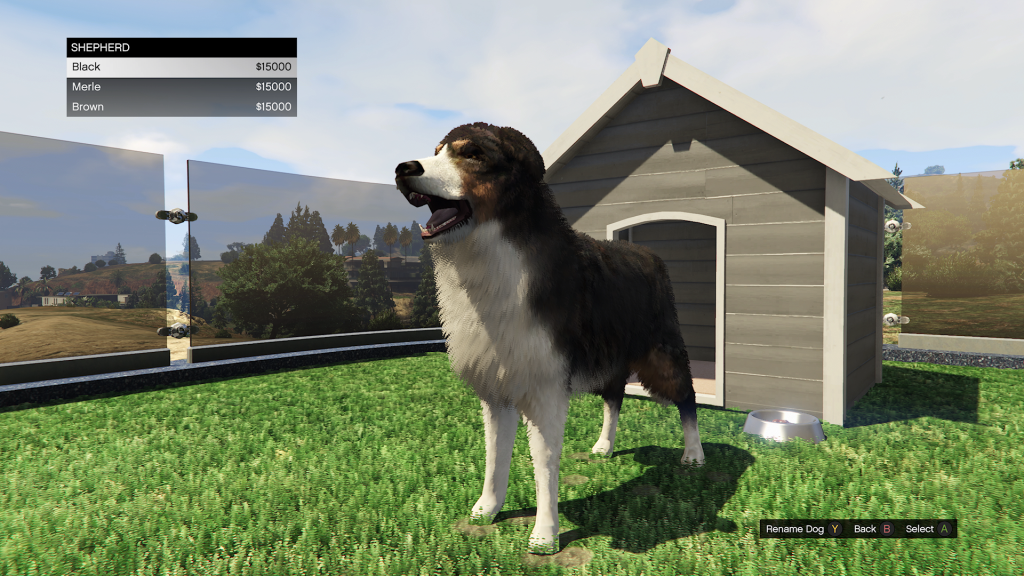
Click to enlarge

The Shepherd comes in black, brown and merle.

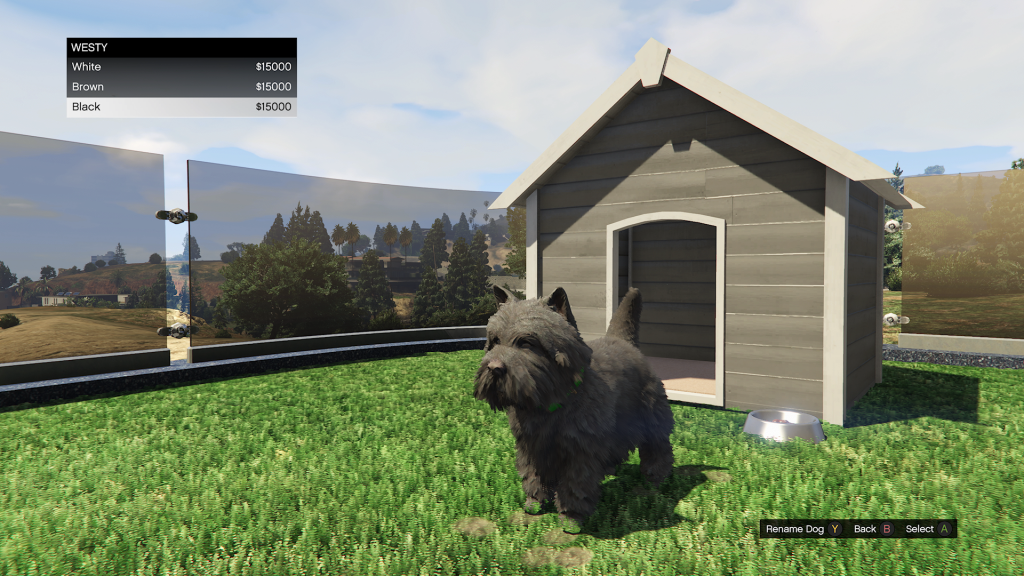
Westy
Click to enlarge

The Westy comes in black, brown and white.

To keep up to date with every GTA Online news update, make sure to check back to RockstarINTEL and sign up to our newsletter for a weekly round-up of all things Rockstar Games.

"G" Google multi-coloured logo on the left and "Add as a preferred source on Google" in black text on a white background to the right of it.
Click this button!
  • RockstarINTEL Bluesky
  • Grand Theft Auto News X
  • Red Dead News X
  • RockstarINTEL X
  • RockstarINTEL Instagram
  • RockstarINTEL Threads
  • RockstarINTEL Facebook
  • RockstarINTEL RSS Feed
  • RockstarINTEL TIKTOK
  • RockstarINTEL LinkedIn

Subscribe to our newsletter!

Aaron Trueman

    As a fan of Rockstar Games and part of the GTA community, Aaron used his passion to co-found and run GTA Online News / RockstarINTEL.

    Related Posts

    New GTA 6 Artwork Released Ahead Of Trailer 3

    August 6, 2026

    New GTA 6 Gameplay Trailer Announced By Rockstar And Netflix Gets It First

    August 6, 2026

    GTA Online Event Week: Summer Heist Event (August 6th-12th)

    August 5, 2026

    Red Dead Online Event Month: Collectors Special (August 4th-30th)

    August 4, 2026

    Comments are closed.

    Latest

    New GTA 6 Artwork Released Ahead Of Trailer 3

    By Aaron TruemanAugust 6, 2026

    Rockstar Games announced what is effectively GTA 6 Trailer 3 on Thursday and what came…

    New GTA 6 Gameplay Trailer Announced By Rockstar And Netflix Gets It First

    August 6, 2026

    GTA Online Event Week: Summer Heist Event (August 6th-12th)

    August 5, 2026

    Red Dead Online Event Month: Collectors Special (August 4th-30th)

    August 4, 2026
    Community

    EXCLUSIVE: Rockstar Games Team Up With Modders To Create FiveM Content

    By Aaron TruemanJuly 29, 2026

    Exclusive: Rockstar Games have been backing community made projects to be used in FiveM servers.…

    GTA Wiki Accuses Fandom Of Plagiarism After GTA Online Update

    July 20, 2026

    FiveM For GTA V Enhanced Releases Next Week

    July 16, 2026

    New Update Released For GTA Online Matchmaking Tool

    July 2, 2026
    X (Twitter) Bluesky Facebook Instagram Threads RSS

    © 2026 RockstarINTEL
    RockstarINTEL Team
    Privacy Policy
    Manage Consent RockstarINTEL uses the IP2Location LITE database for IP geolocation.

    Type above and press Enter to search. Press Esc to cancel.