
Close Menu
    Categories
    • Home
    • News
    • Grand Theft Auto
      • GTA Online
      • Guides
      • Roleplay
      • GTA Trilogy
      • Screenshots
    • GTA 6
    • Event Week
    • GTA+
    • FiveM
    • Red Dead
    • Rockstar Games
      • Community
      • Logos
      • CircoLoco
      • Bully
      • Max Payne
      • L.A. Noire
      • Midnight Club
      • Take-Two
    • Team
    Facebook X (Twitter) Instagram
    X (Twitter) Facebook Instagram Threads RSS Bluesky
    RockstarINTELRockstarINTEL
    NEWSLETTER
    • Home
    • News
    • Grand Theft Auto
      • GTA Online
      • Guides
      • Roleplay
      • GTA Trilogy
      • Screenshots
    • GTA 6
    • Event Week
    • GTA+
    • FiveM
    • Red Dead
    • Rockstar Games
      • Community
      • Logos
      • CircoLoco
      • Bully
      • Max Payne
      • L.A. Noire
      • Midnight Club
      • Take-Two
    • Team
    RockstarINTELRockstarINTEL
    Home»Articles»Australia Refuses Classification To Rockstar Games’ “Bonaire”
    Articles

    Australia Refuses Classification To Rockstar Games’ “Bonaire”

    Ben WalkerBy Ben WalkerAugust 21, 2019
    Credit: Rockstar Games
    Share
    Facebook Twitter LinkedIn Pinterest Email

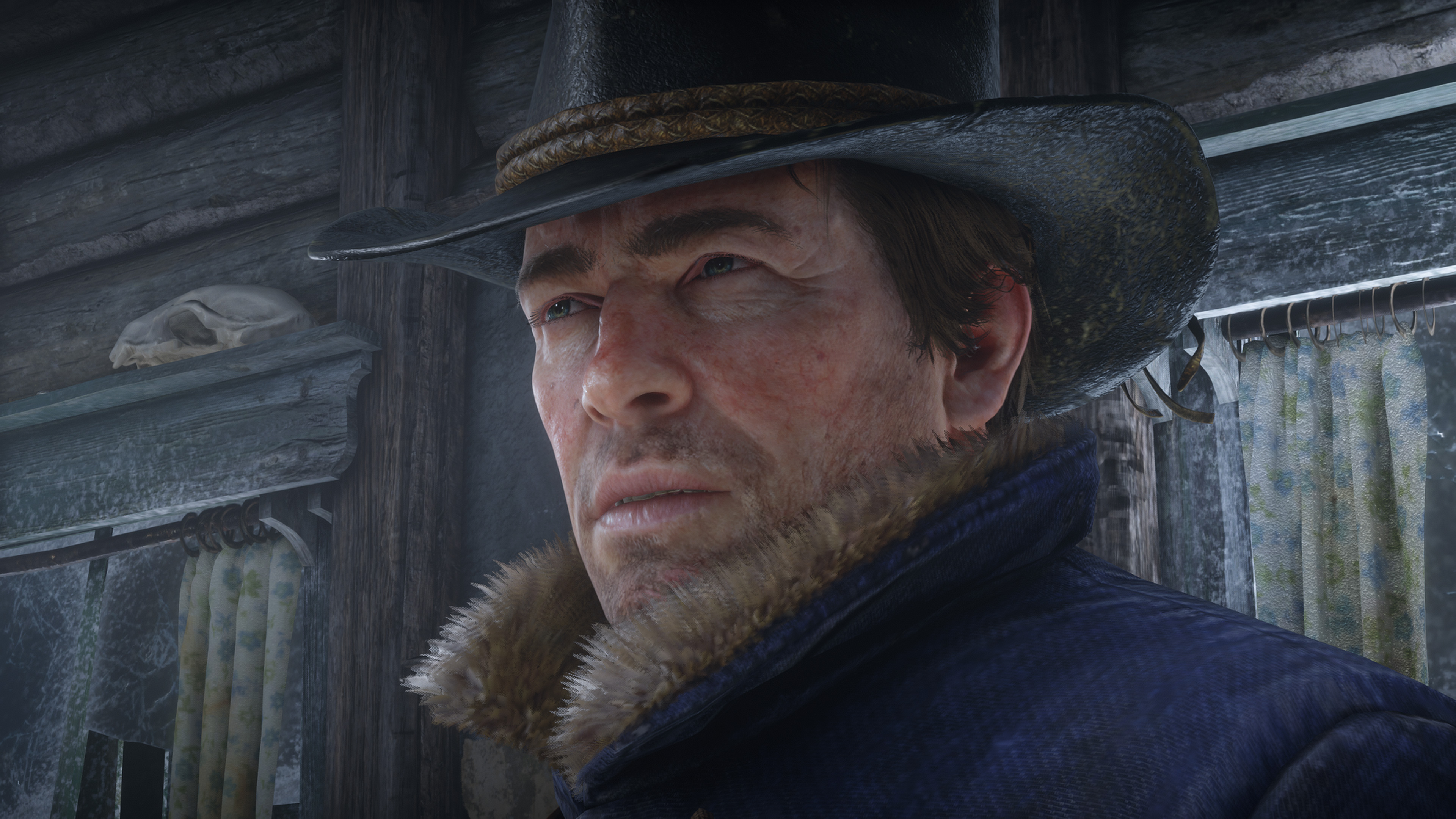
    Australia has refused classification to a Rockstar Games project codenamed “Bonaire” – but no one knows what it is. While some speculate that this may be an upcoming video game, it’s more likely to be extra content for an existing Rockstar Games property or even a separate version.

    The two best guesses for what “Bonaire” could be are the upcoming PC version of Red Dead Redemption 2 or even single-player DLC for it. Although, it’s unclear why Australia refused to rate the project (which essentially means they banned the current version of said content from being sold in the country) but Rockstar could release a censored or more ratings-friendly version in that region.

    CREDIT: AUSTRALIAN CLASSIFICATION BOARD

    While some fans jumped onto the “Bully 2” hype train, it’s more likely to be something like Red Dead Redemption 2 DLC or even the PC version which has been leaked numerous times in various forms. We’re guessing it’s the PC version.

    As of yet, nothing has been announced by Rockstar Games. We’ll keep you updated.

    H/T Kotaku

    Share. Facebook Twitter Pinterest LinkedIn Tumblr WhatsApp Email
    Previous ArticleGTA IV Update restores all the original songs on Xbox One
    Next Article The Vulcar Nebula Turbo is Now Available in GTA Online
    Ben Walker
    • X (Twitter)

    Former Editor and Website Developer

    Related Posts

    How To Play Red Dead Redemption On Mobile And Netflix

    December 2, 2025

    Red Dead Redemption Re-Release Has Major Free Upgrade Issues

    December 2, 2025

    How To Upgrade Red Dead Redemption With Current Gen Update

    December 2, 2025

    New Red Dead Redemption Version Released, Features, Download Size And More

    December 2, 2025

    Comments are closed.

    Latest
    News

    How To Play Red Dead Redemption On Mobile And Netflix

    By Aaron TruemanDecember 2, 2025

    Red Dead Redemption has just been released on mobile devices for the first time. Rockstar…

    Red Dead Redemption Re-Release Has Major Free Upgrade Issues

    December 2, 2025

    How To Upgrade Red Dead Redemption With Current Gen Update

    December 2, 2025

    New Red Dead Redemption Version Released, Features, Download Size And More

    December 2, 2025
    Community
    Community

    GTA IV Looks Incredible With New RTX Remix Mod

    By Aaron TruemanNovember 28, 2025

    A brand new and free mod makes GTA IV look more impressive than ever before…

    A Real Life GTA 4 LCPD Car Is Driving Around New York City

    October 28, 2025

    Bully Online Multiplayer Is Coming Thanks To Fan-Made Mod

    October 28, 2025

    Jeff Favignano & Bay Area Buggs announce closure of GTA5 OCRP server

    October 26, 2025
    X (Twitter) Instagram Facebook RSS Threads Bluesky
    • Home
    • Twitter
    • Team
    • Contact Us
    • Privacy Policy
    © 2025 RockstarINTEL.
    Manage Cookie Settings

    Type above and press Enter to search. Press Esc to cancel.